Strategic planning
Map the
mission
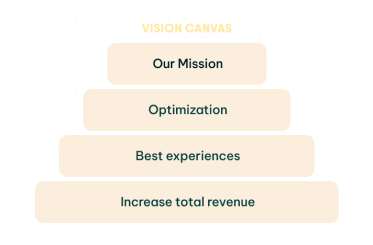
Bring your mission, goals, KPIs, and initiatives together in a single, living system, so everyone understands the full picture and can move fast in the same direction.
Prioritize
What Matters
Use structured frameworks and proven methods to make smarter choices about where to spend time, money, and energy for the biggest impact.
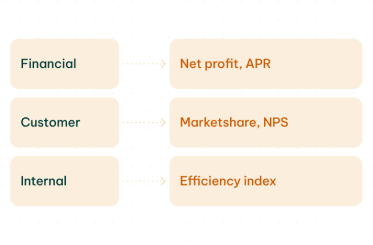
Move the
work forward
Bridge the gap between planning and doing by turning strategy into clear, connected solution designs that steer project teams in the right direction from day one.

Enhancing governance to support innovation as well as lifecycle management.
"BlueDolphin has proven to be a crucial tool for getting an overview and understanding of our application landscape and underlying infrastructure."

Let’s get your Future Started

Tackle big goals
without the big
headache
Get everything you need to build strategy with confidence, from smart
templates to AI support and clear reporting. With BlueDolphin, your plans
become easier to create, easier to share, and easier to put into action.

Map your strategy with
pre-built templates
Access a full library of proven templates that structure your strategy and link
it to your processes, data, and designs, so it becomes usable for every team.
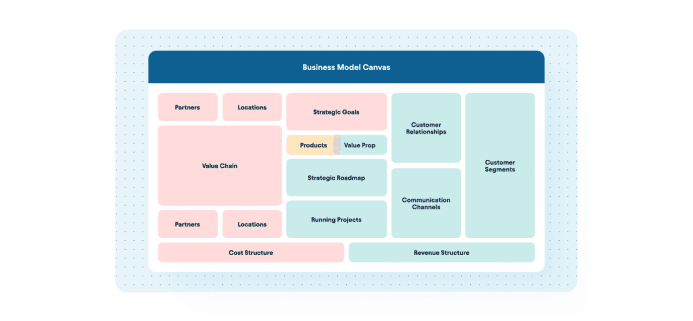
Business
Model Canvas
Define your business model visually, and link customers, revenue
models and value propositions to capabilities, technology and
initiatives, to uncover impact and dependencies.
Customer
Journey Maps
Map customer stages and touchpoints and link each one to the processes, data, and apps that support it to spot improvement opportunities.
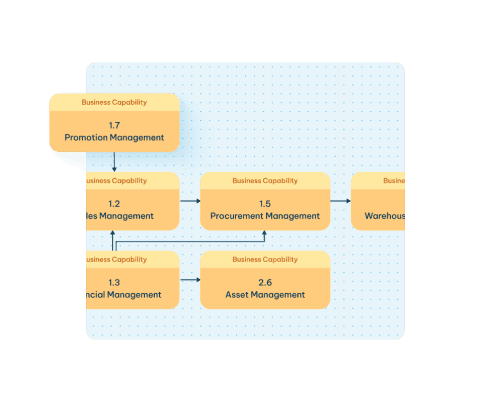
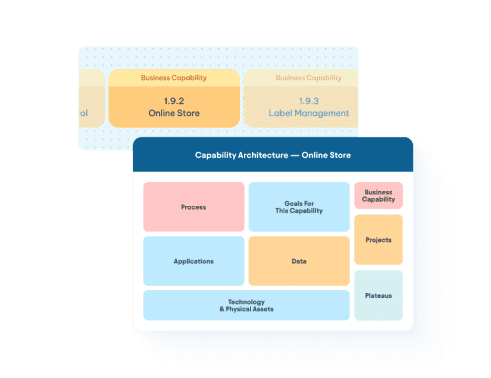
Capability
models
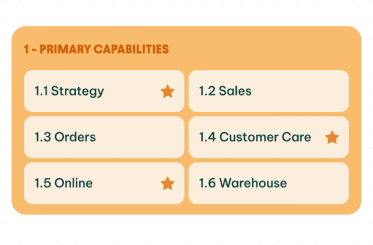
Build layered capability maps that
show what your organization does,
and link them to KPIs, owners, risks,
projects, and change initiatives.
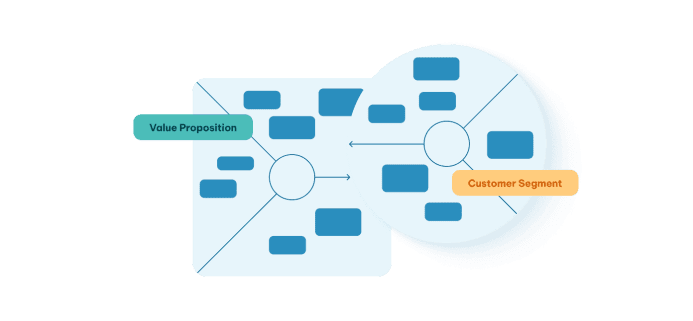
Value
Proposition Canvas
Clarify the “why” behind every idea. Map customer jobs, pains, and
gains and link them to the solutions and outcomes your initiatives
provide so every idea is grounded in real customer needs.
Goals, KPIs, Policies
and Principles
Define the guardrails that steer your organization. Capture
goals, measurable KPIs, and architecture principles in clear,
structured templates that directly guide design and delivery.
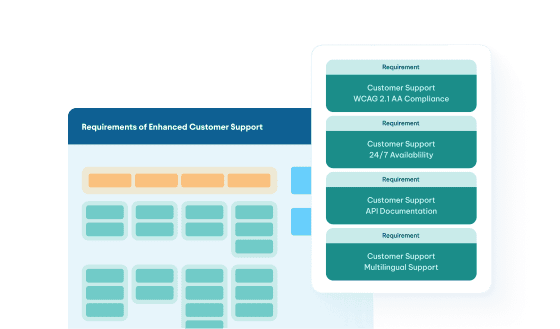

Generate and
analyze with AI
Accelerate strategic work with AI that understands your
context, your visualizations, and your entire repository,
turning every template into an intelligent workspace.
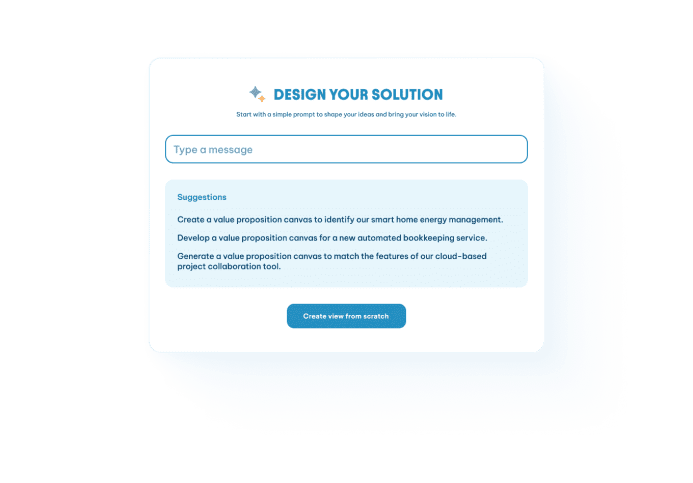
AI-Generated Assets
and Artifacts
Create capability maps, canvases, and more in one click. AI
adds the right context from your repository to generate
complete, consistent deliverables in seconds.
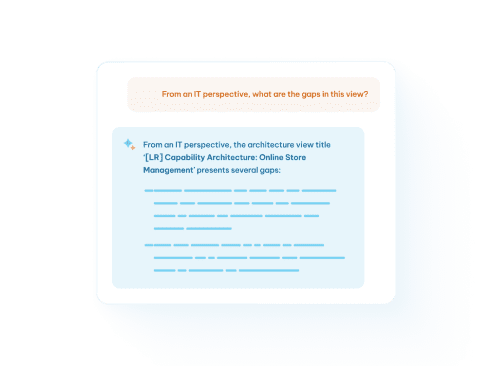
AI View
Co-Pilot
Use AI to evaluate complex diagrams and
suggest revenue ideas, fill in missing pains
or gains, and highlight capability gaps to
strengthen your strategy.
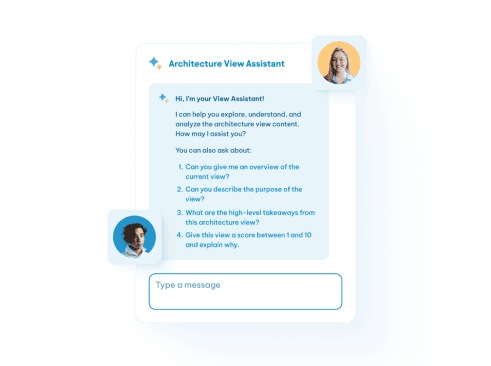
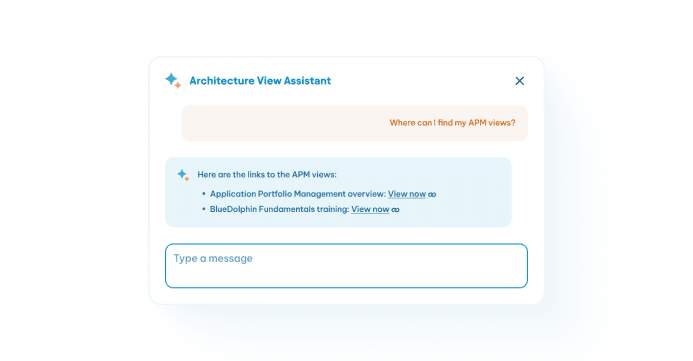
AI Assistant for
Strategic Assets
Use AI to explain templates, diagrams, and methods in plain language tailored to each role, so every visualization is easy to understand for every stakeholder.
Agent-Powered
MCP Distribution
Expose your strategic assets to any LLM
through MCP as rich, agent-readable objects
that can interpret your visuals, enrich them
with data, run deeper analysis, and push
insights into your tools and workflows.
Make strategy
structured and
repeatable
Stop starting strategy from scratch. With BlueDolphin, you can design and reuse
structured workflows that make your process consistent and repeatable.
Recurring
Strategy Flows
Set up annual, quarterly, or monthly strategy cycles
that follow a clear, repeatable structure, ensuring
every iteration starts with the right foundation.
Assign and
Manage Tasks
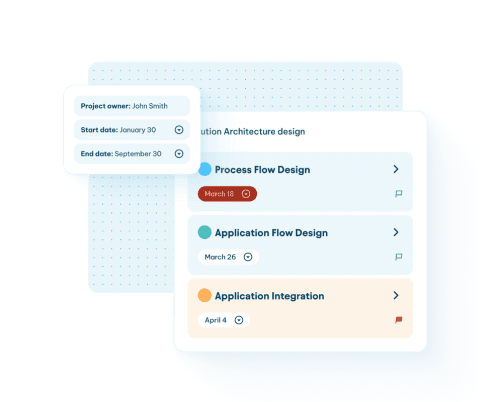
Make strategy a team effort. Assign tasks,
collaborate on views, and coordinate work
across teams to align the entire organization.
Reusable Templates
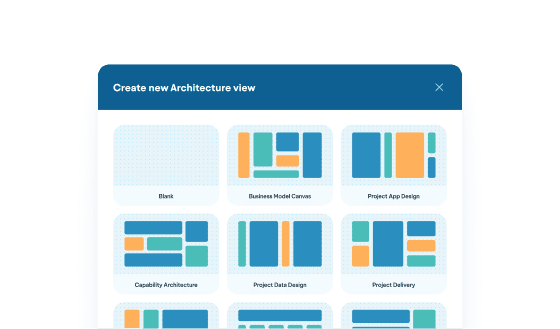
If your organization has its own approach, build
templates that match it. Save and reuse them
across all your strategy-definition workflows.

Report and Analyze
Turn your strategic data into insight. Use built-in analytics, reporting integrations,
and advanced visual techniques to guide better decisions with confidence
oData
Connectivity
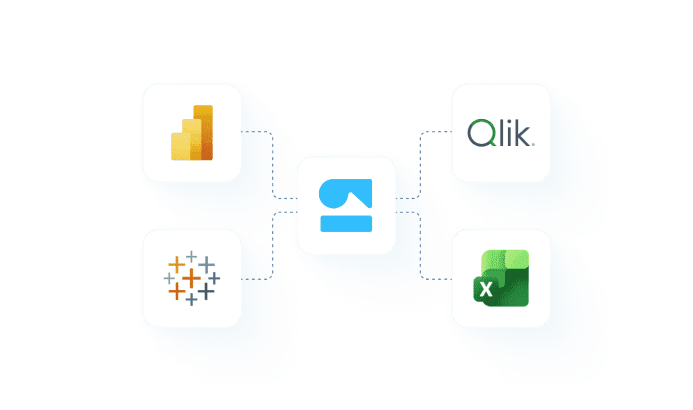
Build reports with OData by streaming live BlueDolphin
data into Power BI, Tableau, Qlik, or any analytics tool
without exports or manual updates.
Instant
Insights
Jumpstart your analysis with report
templates that reveal performance,
risks, and trends instantly.
Native
Reporting
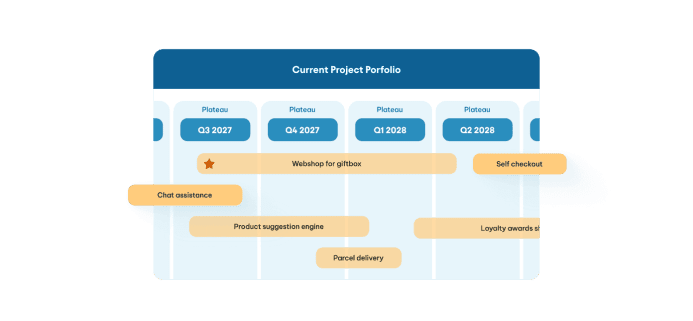
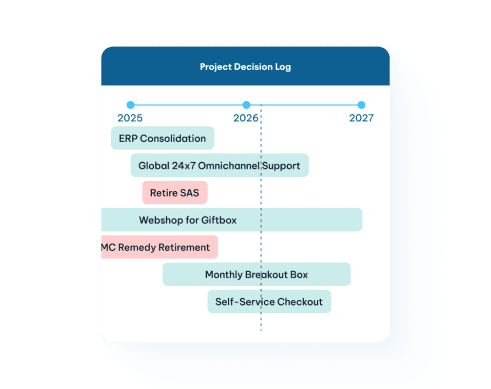
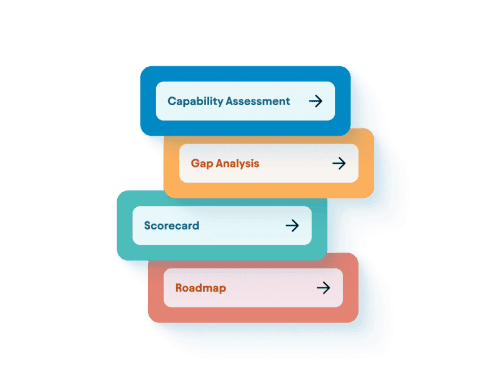
Run capability assessments, scorecards, gap analysis, and roadmaps directly in BlueDolphin so analysis and action
stay in one place.
Conditional Layouts
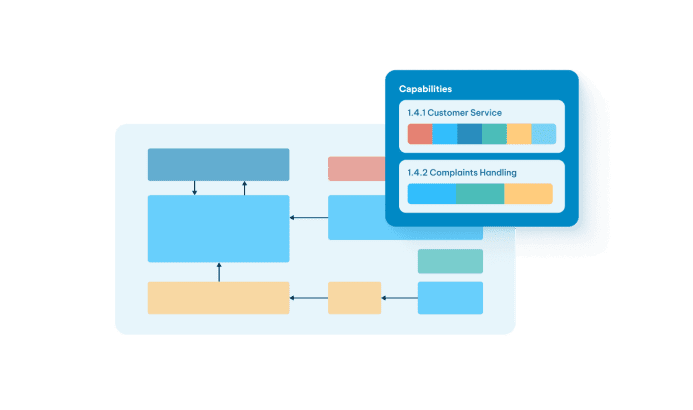
Layer conditional formatting and visual rules onto capability
maps, canvases and more to expose patterns, maturity gaps,
bottlenecks, and insights across your strategic assets.



THE RIGHT TRANSFORMATION SOLUTIONS
START HERE
Considering A switch from a Whiteboarding tool?
Get more than doodles. Design change with real context and real impact.