Product overview
 Move with change, Shape what’s next
BlueDolphin brings strategy, architecture, solution design, and execution into one continuous flow. Rather than stitching together fragmented tools, teams operate from a shared, always-current foundation that keeps transformation moving forward clearly, confidently, and at speed.

Structure without silos
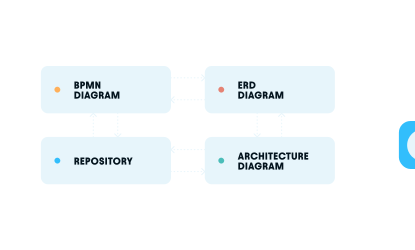
Work your way, with free-form
diagramming and any modeling standard,
including Archimate, BPMN and ERD, all
connected in one shared repository.
Consistency without conflict
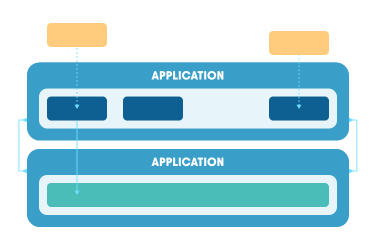
Maintain a single, current version of reality that reduces conflict by making architecture easy for everyone to find, understand, and contribute to, with AI tools that help technical and non-technical stakeholders collaborate confidently.
Insight without interruption
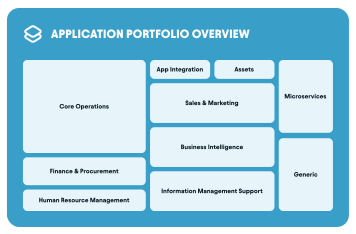
Turn architecture into a living knowledge engine that spans strategy, solution design, and delivery, so you can plan, build, and execute change continuously, while dramatically reducing the risk of transformation failure.

Full visibility into 800+ applications and system interactions.
"The great advantage of BlueDolphin over other tools is its accessibility, perhaps the most important element for winning the support of everyone in the organization."

Ready To Dive Deeper? We're Here For You!

One Platform.
Every Stage. Every participant.
Align strategy, architecture, and execution in a connected workspace
built for the people who make transformation happen.

Solution Design
Design change with full context from day one, moving from ideas to
executable solutions without losing alignment, clarity, or momentum.

Visual Project
Blueprints
Transform ideas into layered, easy-to-follow designs
that show scope, systems, and impact at a glance.
Side-by-Side Present
& Future-State Views
Make change tangible by visually
comparing where you are today with
where you’re going tomorrow.

Connected Process
& System Flows
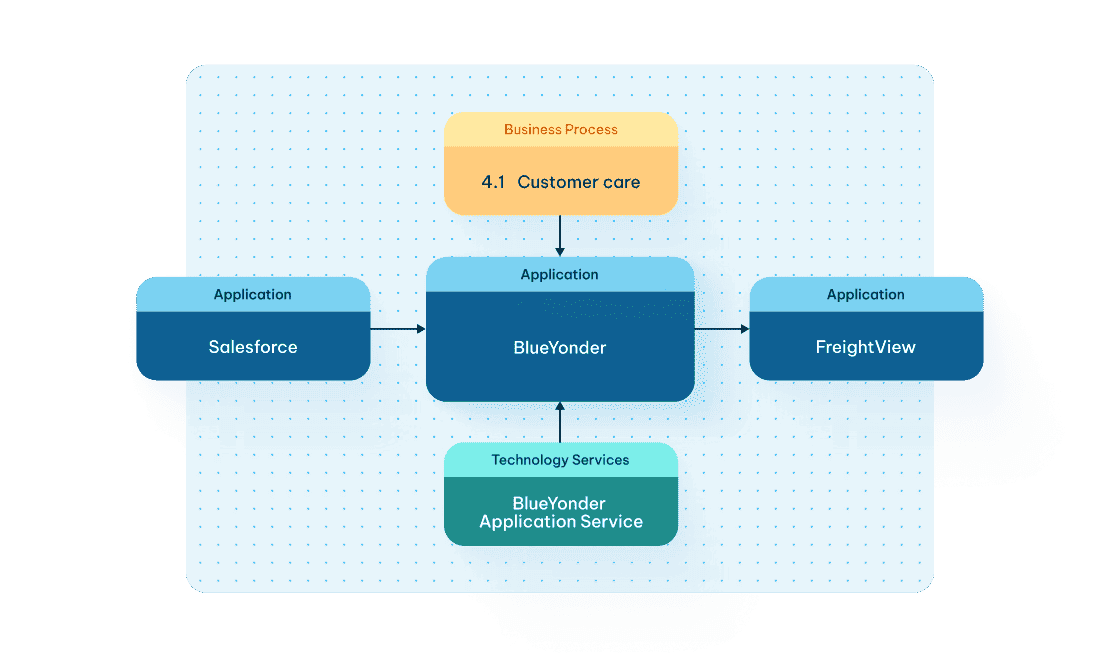
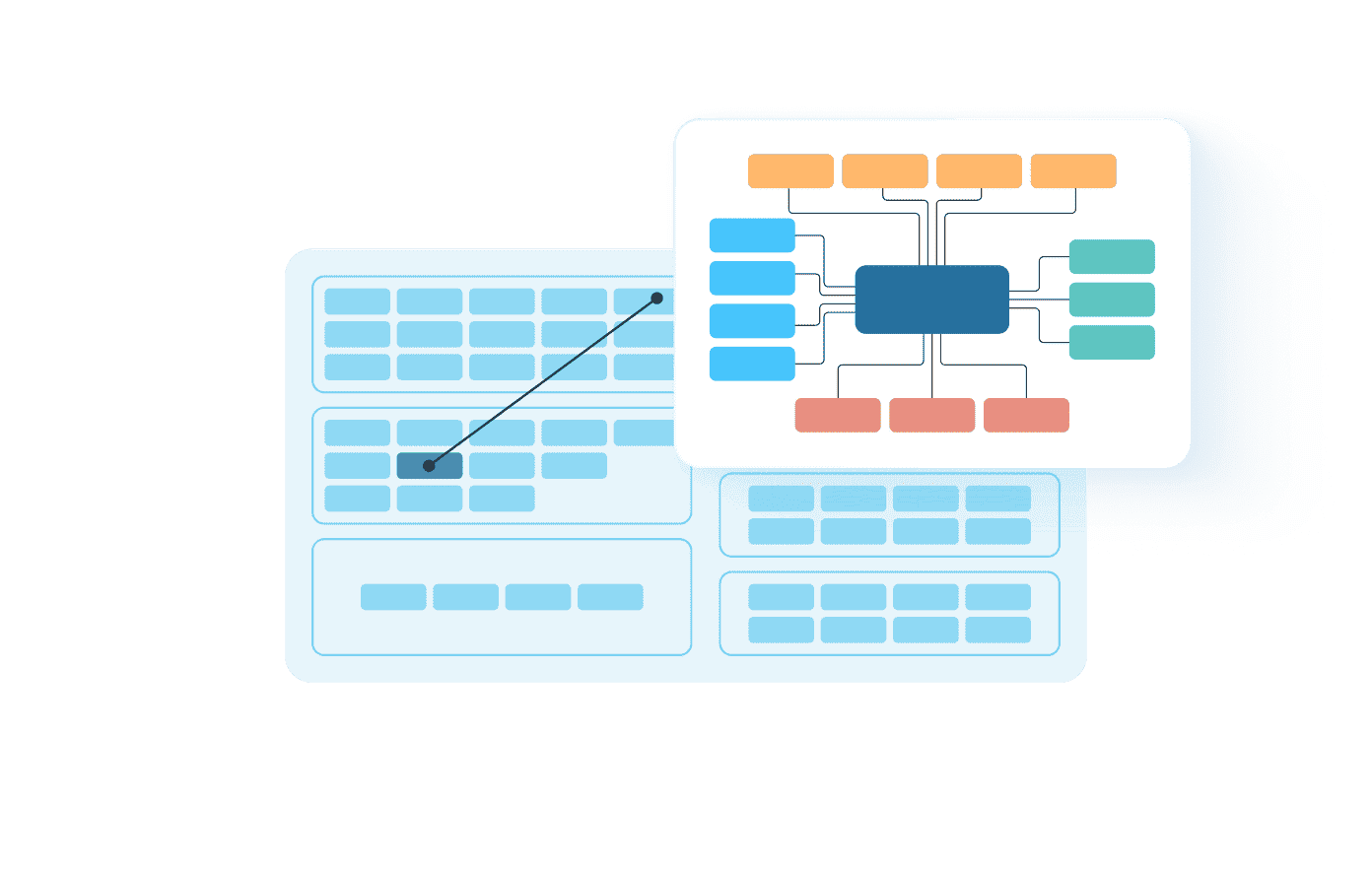
Design workflows that visually link processes,
applications, data and technology so nothing
gets lost in translation.
Guided Template-
Driven Design
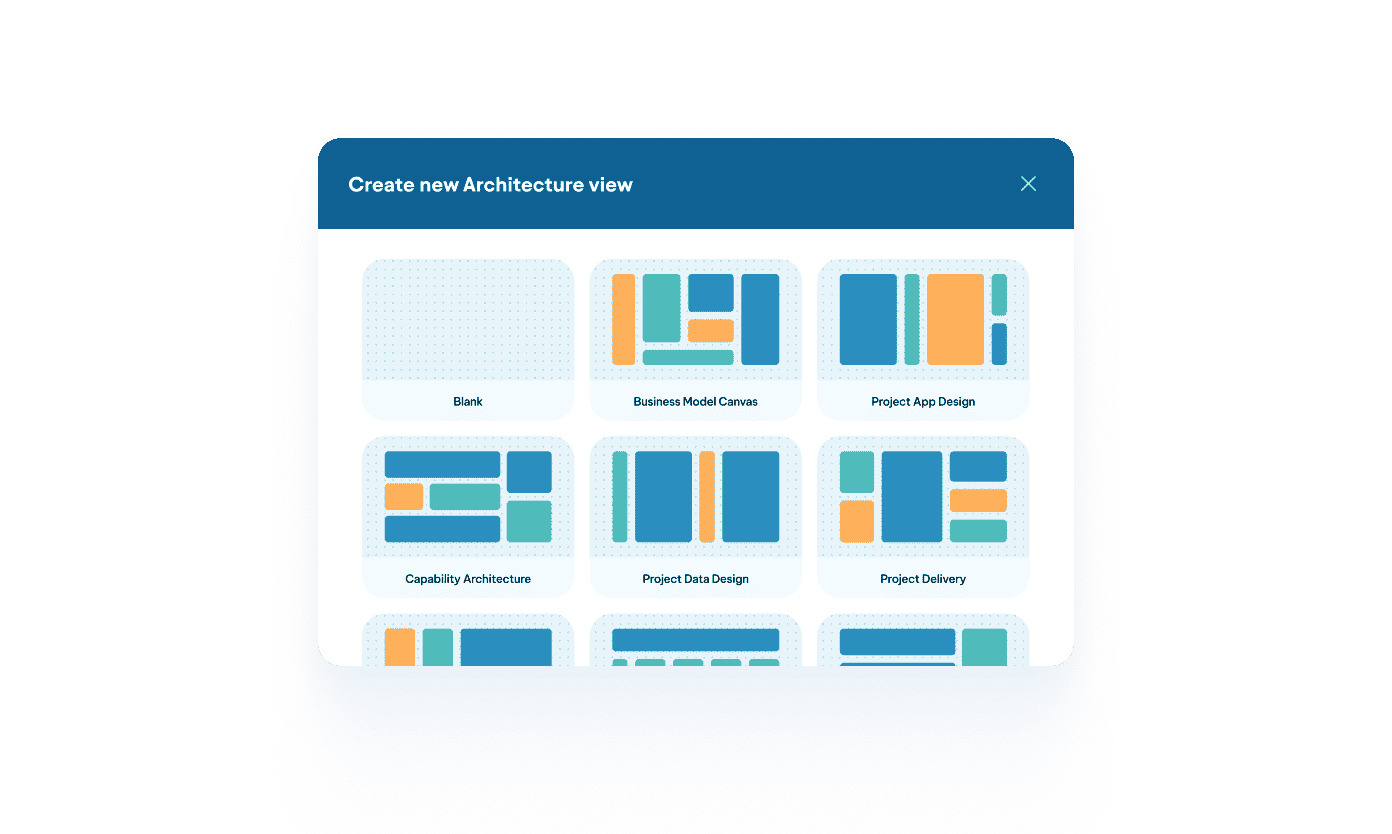
Start fast with structured templates
that make professional architecture
accessible, even for non-architects.
Interactive Impact
Visualization
See dependencies, risks, and affected teams
dynamically update as your design evolves.

Decision Clarity
in Real Time
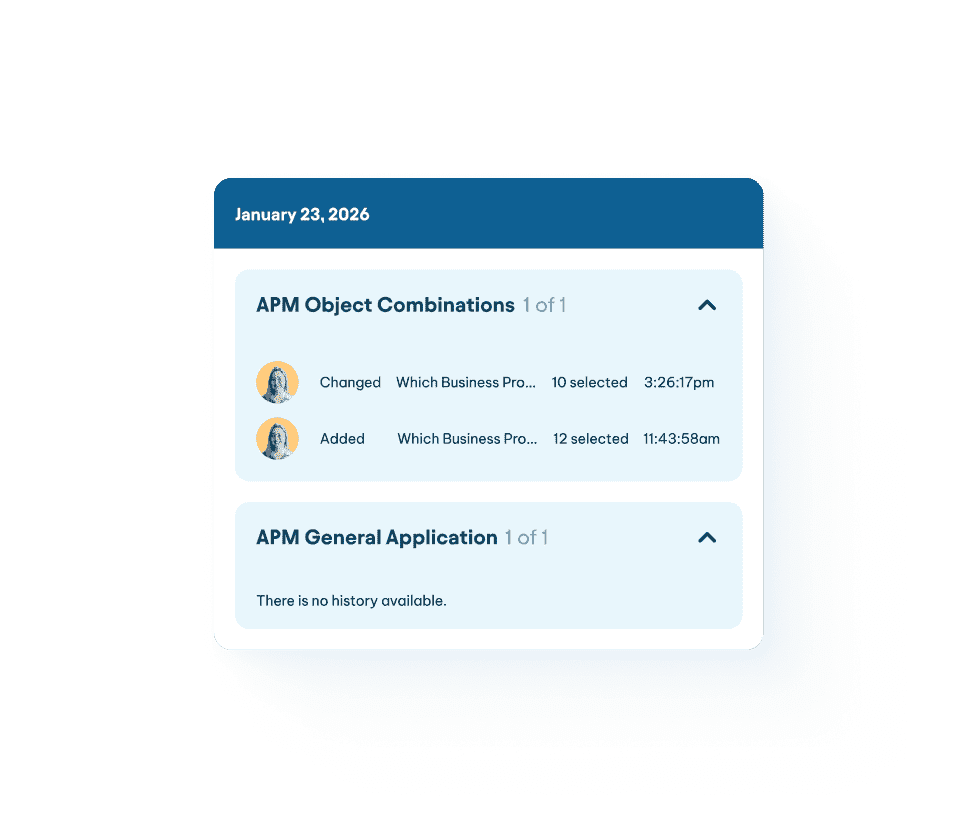
Capture approvals, comments, and trade-offs
directly within the visual model so progress
stays visible and shared.
Reuse What Works
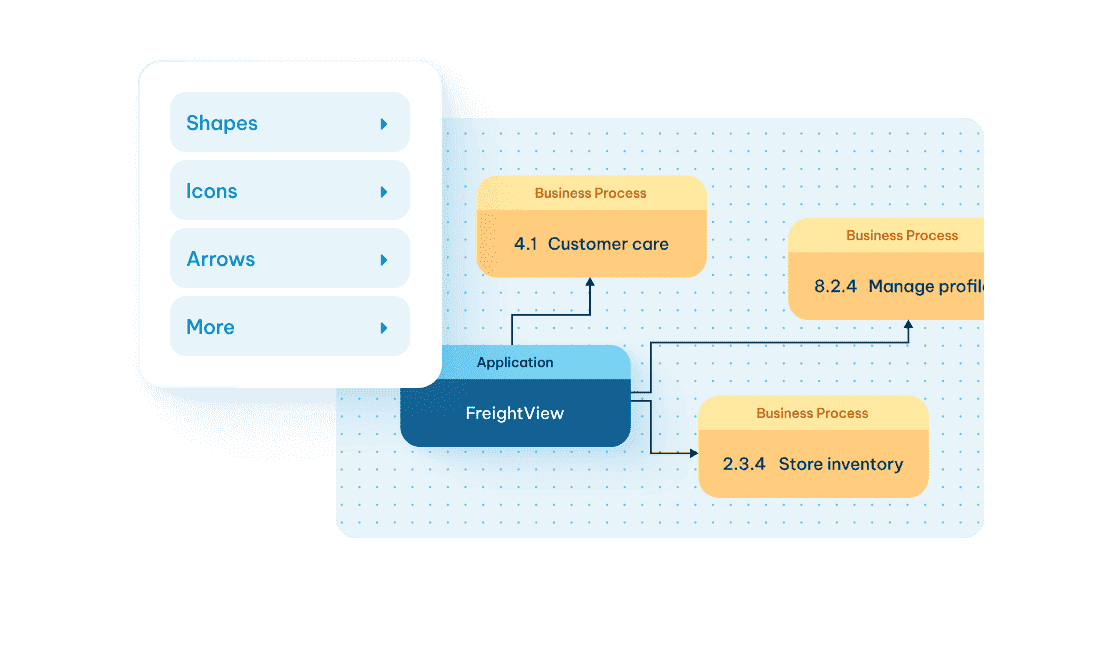
Reuse existing architecture objects across projects instead of
rebuilding models, keeping designs aligned and up to date.

Architecture
Management
Unify applications, processes, data, and technology in one governed
system, so every decision reflects how your enterprise actually works.
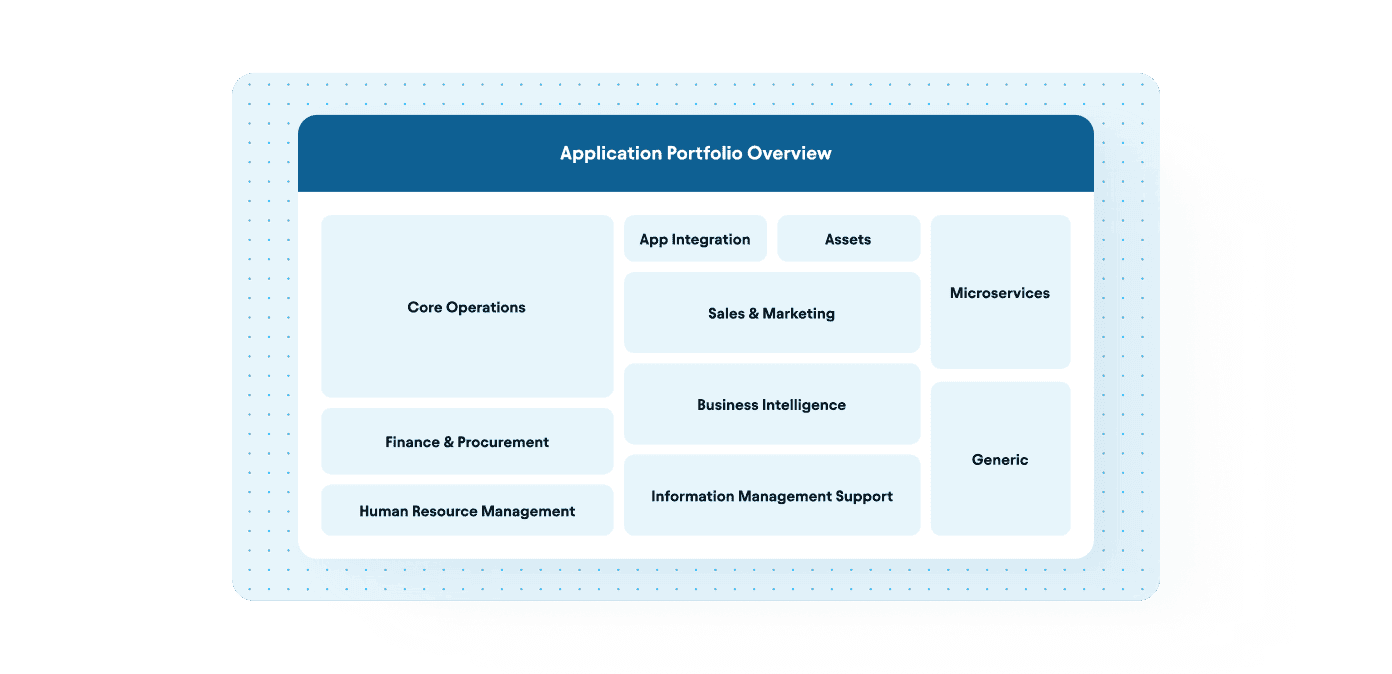
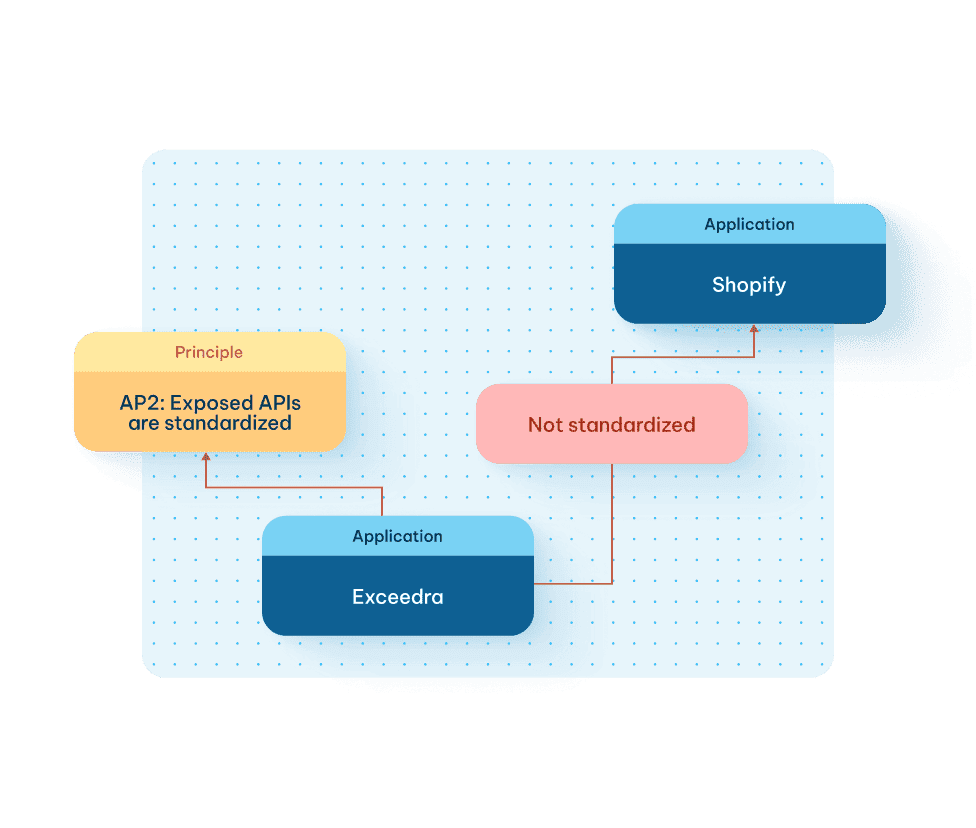
Application Portfolio
Management
Track ownership, lifecycle status, technical fit, business
fit, cost, and risk to build TIME-based support for
rationalization and modernization decisions.
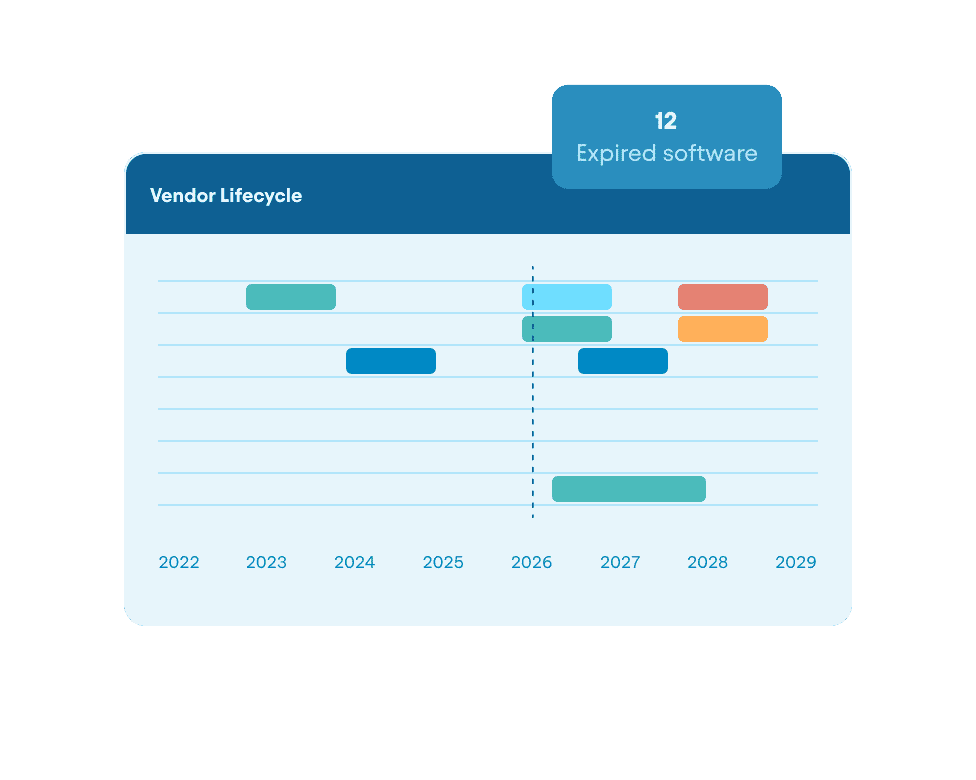
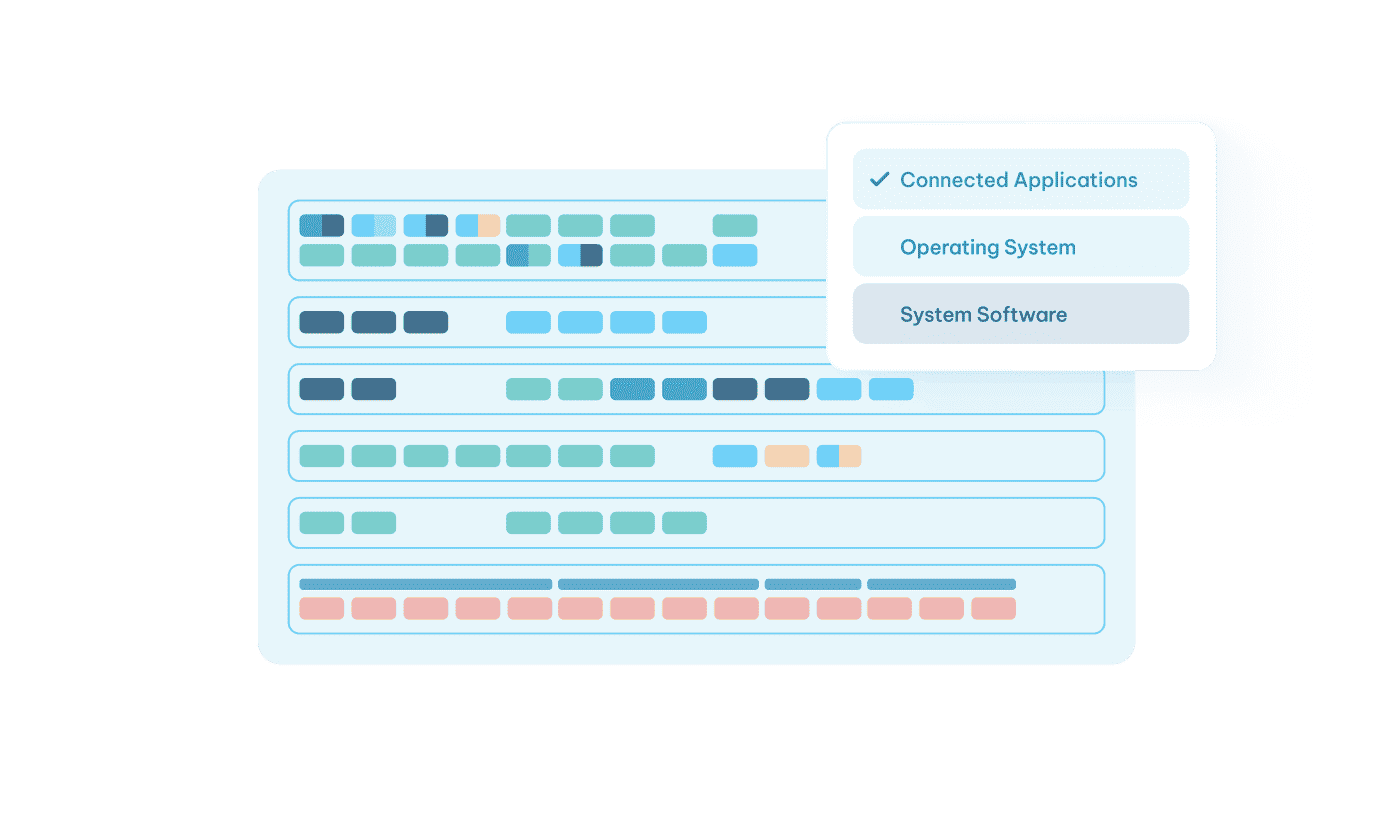
Technology
Stack Visibility
Stay in control of software versioning,
vendor exposure, hosting location, end-of-
life timelines, and integration dependencies
before they create operational disruption.
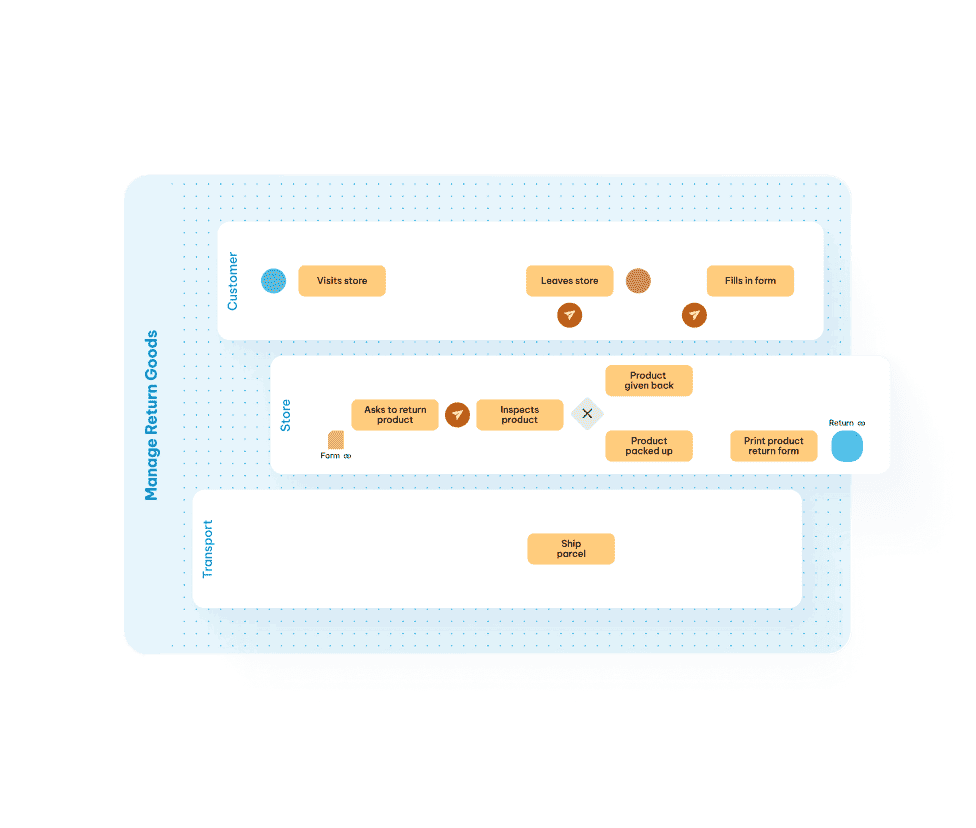
Native BMPN
Modeling
Model and auto-generate BPMN diagrams
with AI inside the platform, fully integrated,
connected, and included by default.
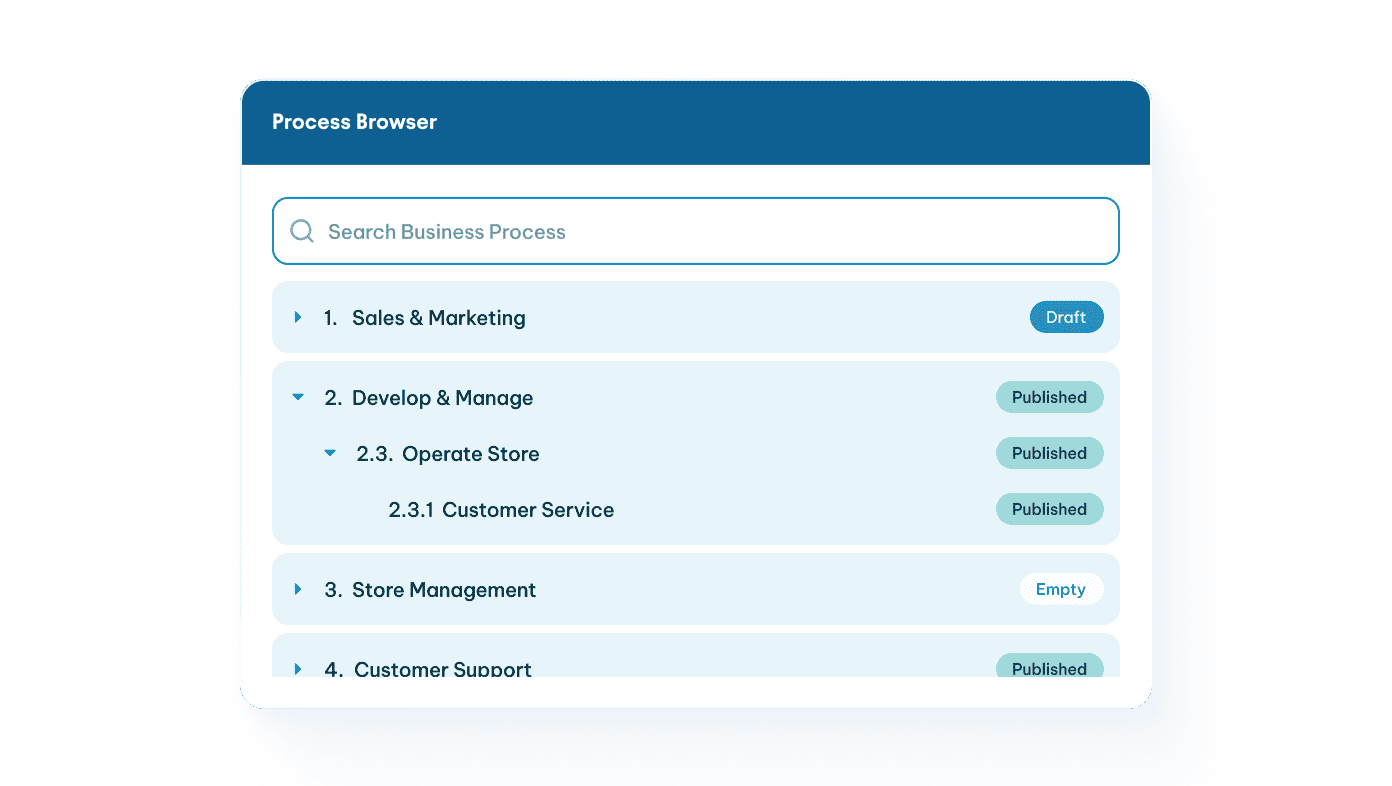
Integrated Business
Process Management
Manage all your business processes in one place, fully integrated
with your architecture. Link processes directly to supporting
applications, data objects, and capabilities to gain complete
visibility into business support and the impact of change.
Context Driven
Data Management
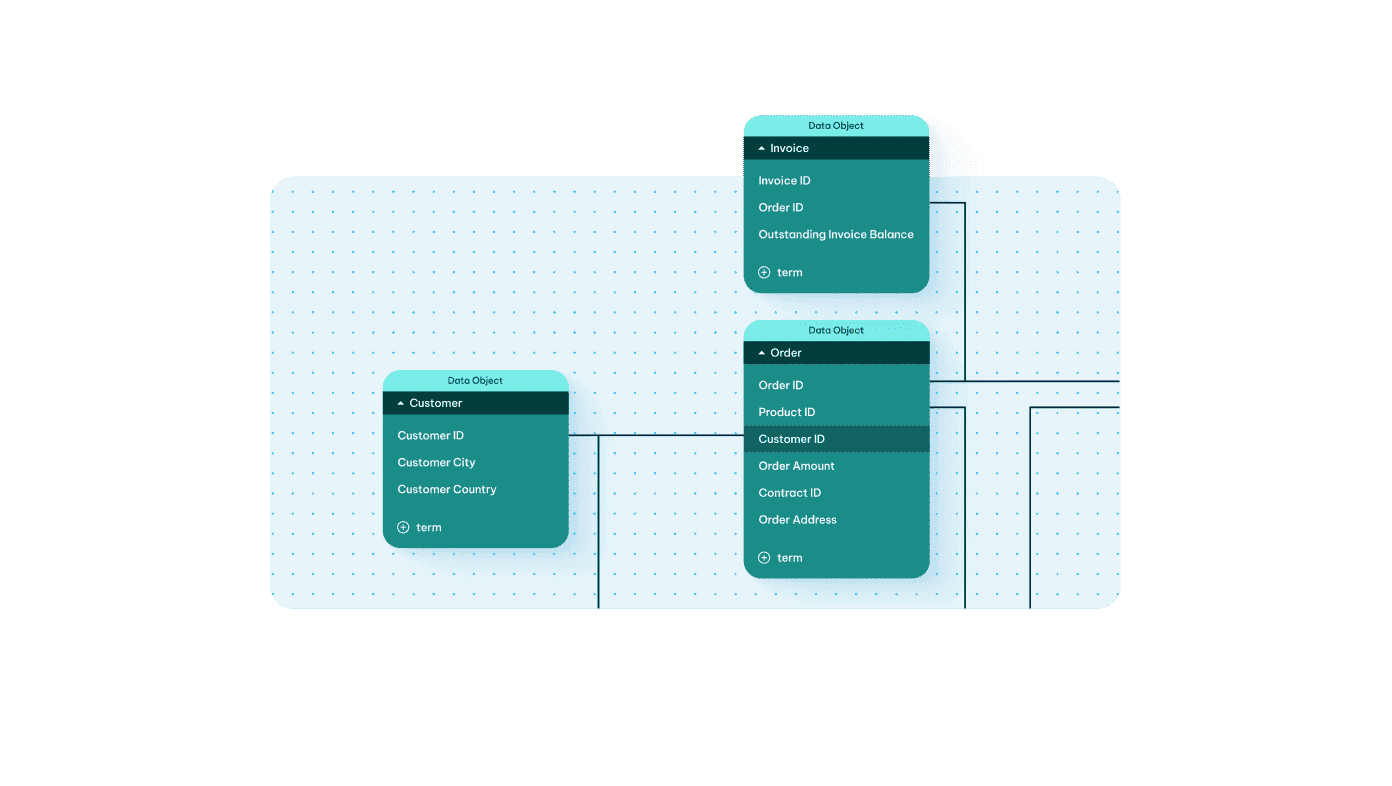
ERD powered data management that moves beyond
siloed models through deep integration with process
management and architecture, giving you full insight into
how data is the glue between business and technology.
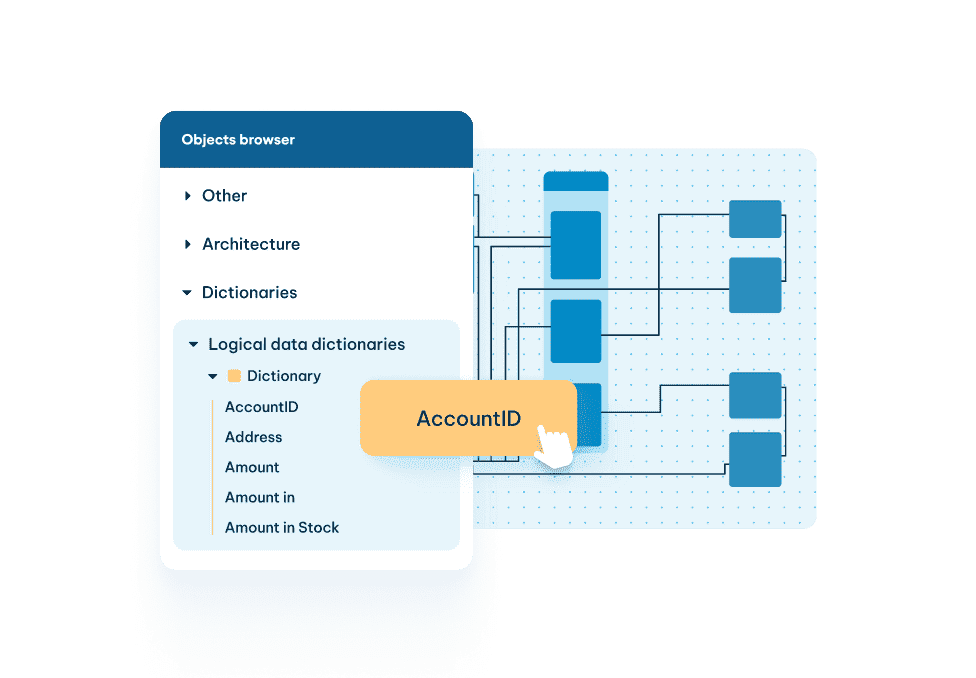
Flexible Metamodel &
Governance with
Built-In Version Control
Customize object types, relationships,
and attributes while maintaining control
through change logs, approval trails, and
lifecycle states that keep architecture
accurate and compliant.
AI Agent Governance
& Orchestration
Provide enterprise context, governance guardrails, and cross-
domain orchestration so AI agents operate with real-time
awareness, clear boundaries, and aligned strategy.

Strategic Planning
Translate strategic priorities into executable roadmaps backed by
real architectural constraints and measurable impact.
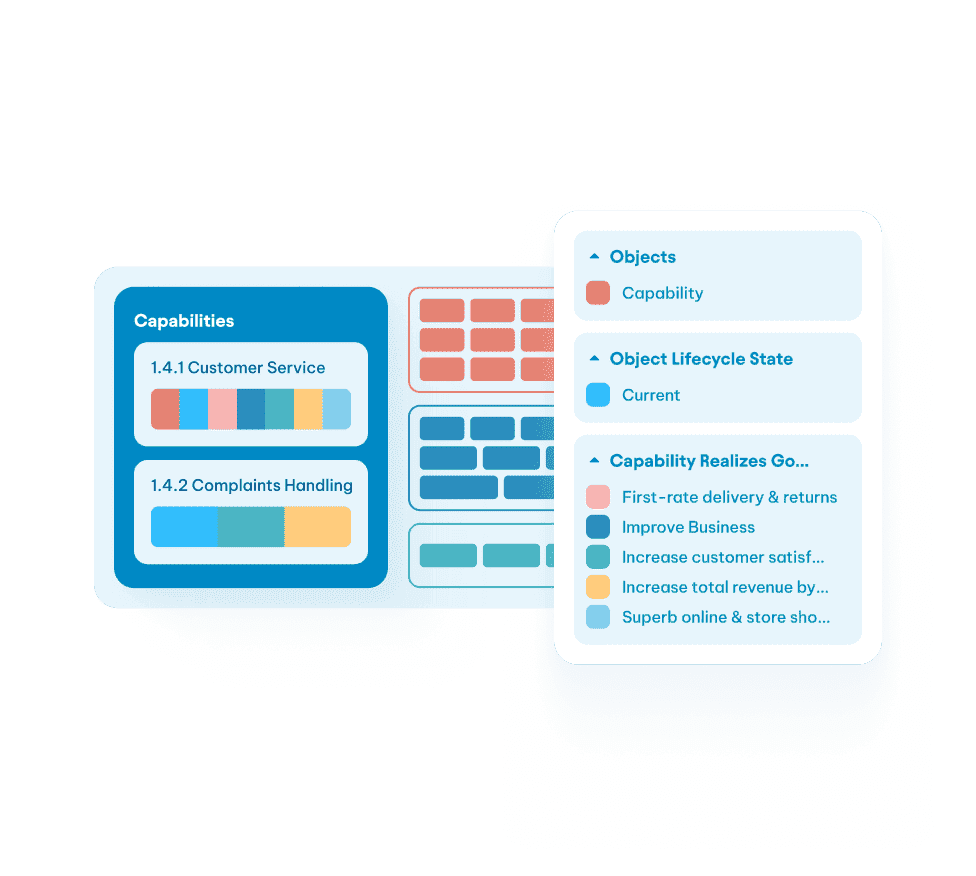
Capability-Based
Planning
Assess maturity, investment levels, and performance gaps
to prioritize initiatives aligned to business objectives.
Multi-Scenario
Modeling
Compare alternative future states based
on cost, complexity, risk exposure, and
timeline feasibility.
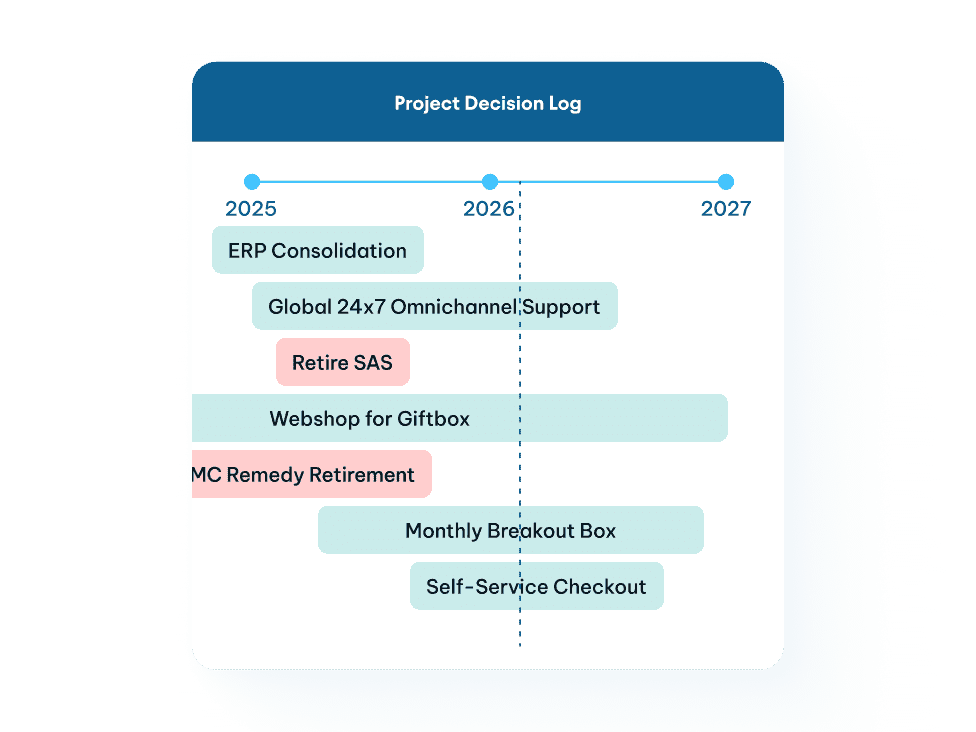
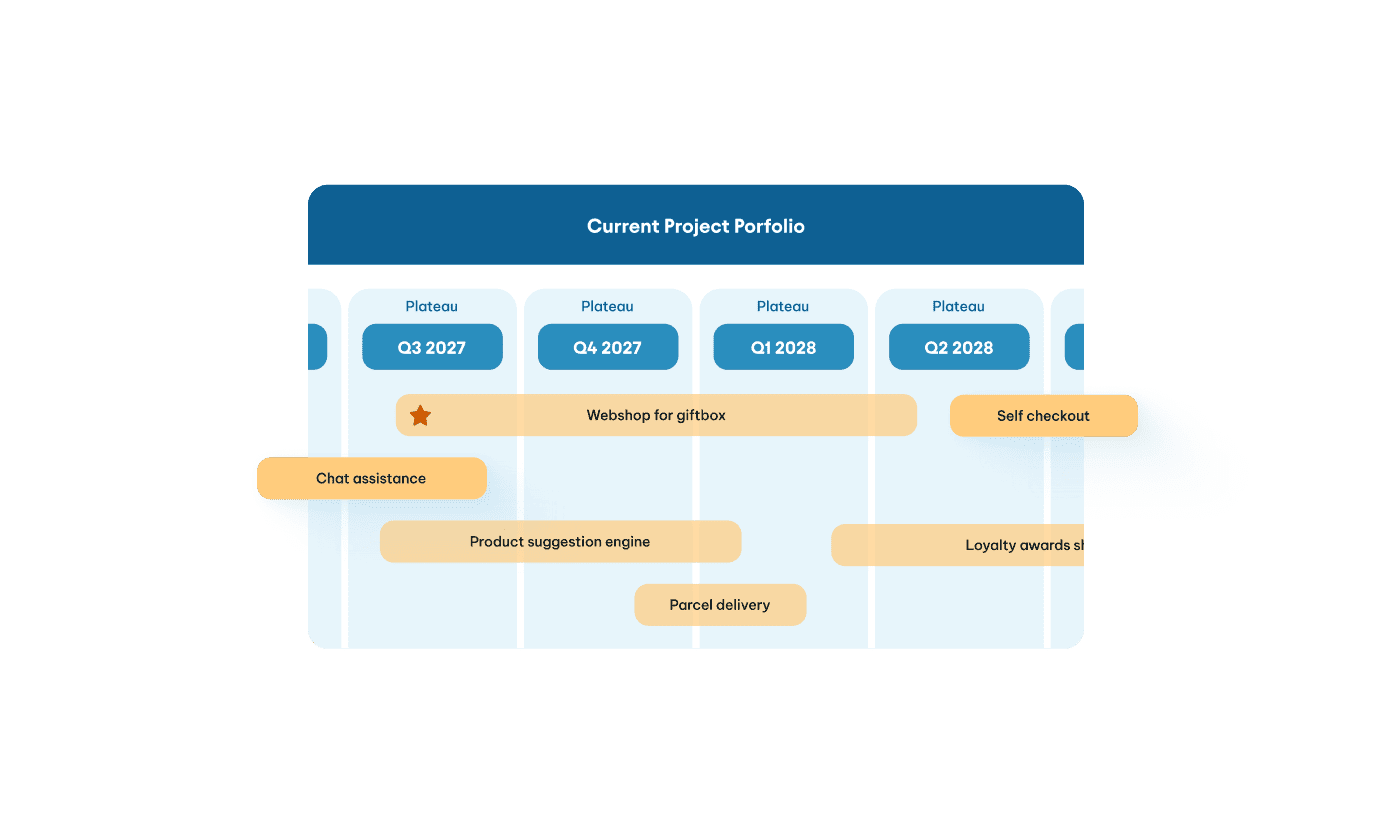
Roadmapping &
Impact Analysis
Create milestone-based roadmaps directly linked to strategy and architecture objects. Instantly assess the impact of transformation initiatives on processes, applications, data flows and compliance.
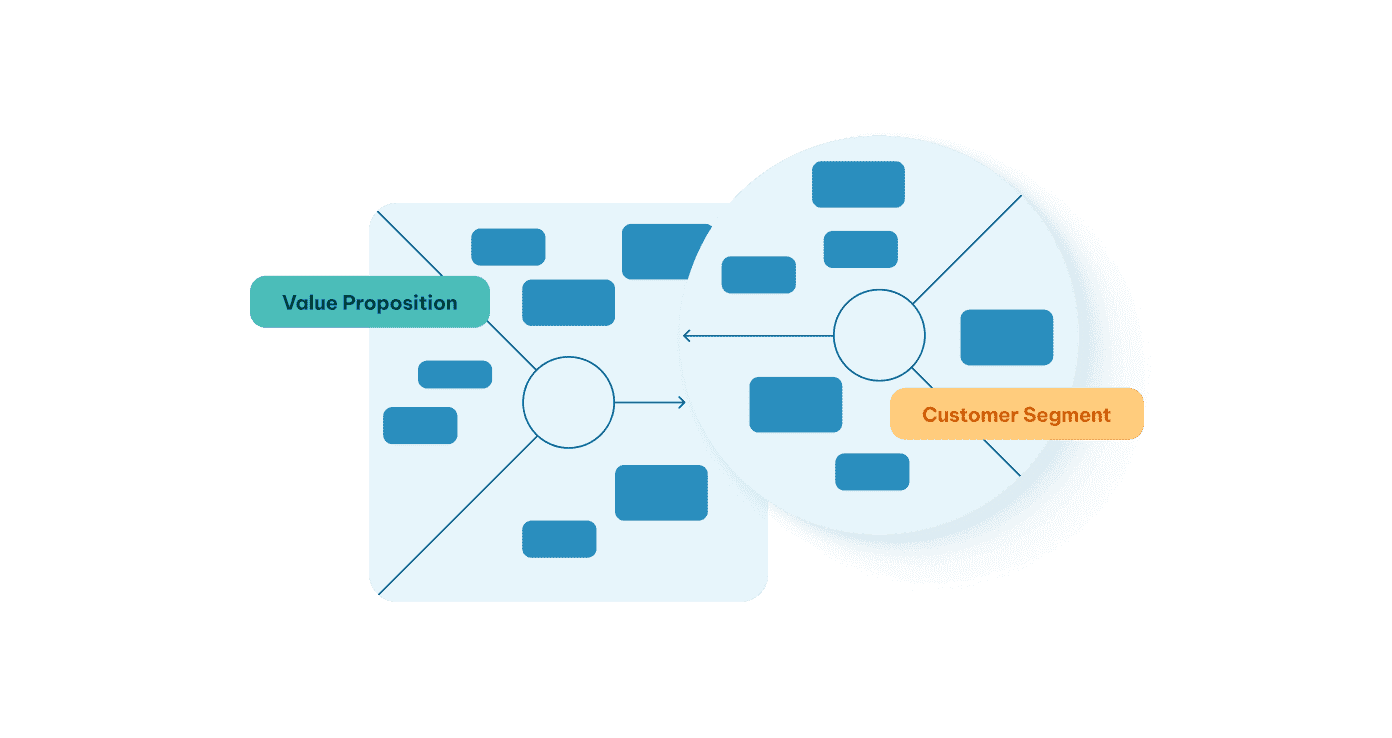
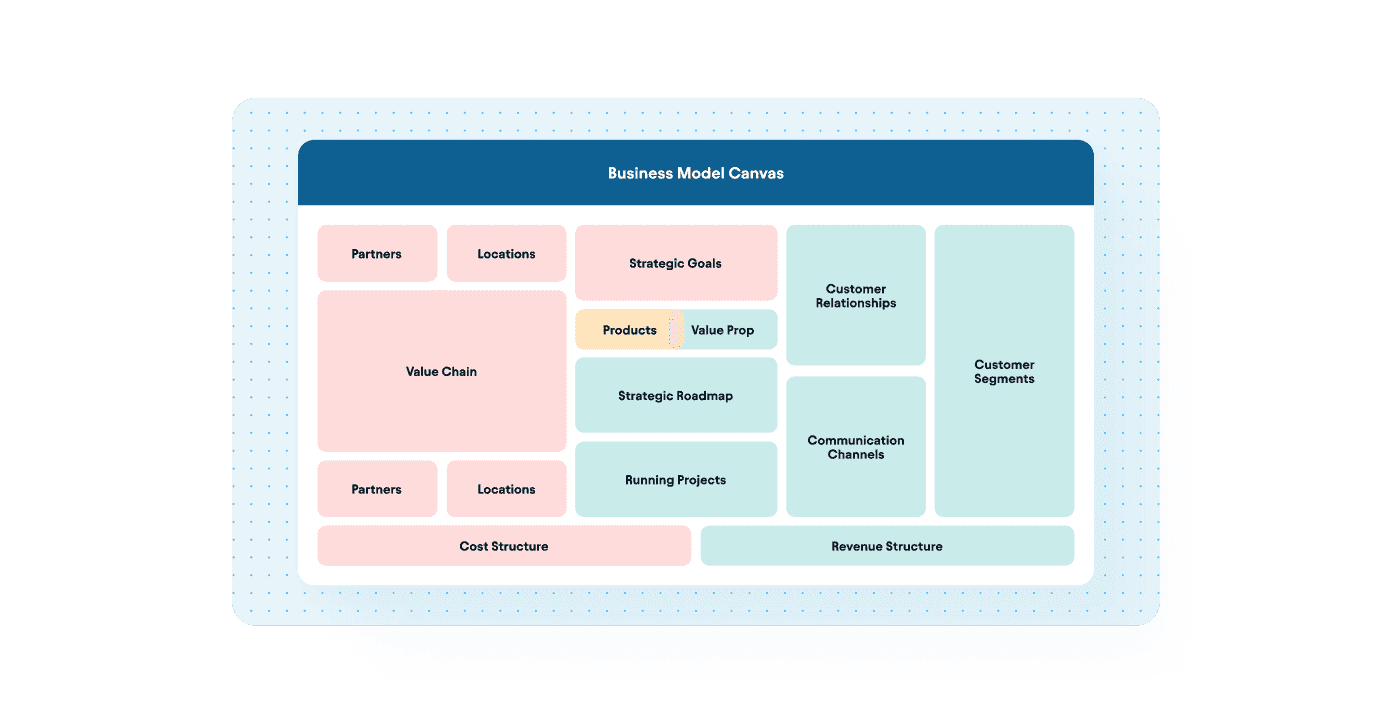
Business Architecture
for the Business
Design clear, structured business architecture leaders can
actually use. Visualize your Business Model Canvas, Target
Operating Model, value streams, capability maps, stakeholder
views, and process landscape in one connected environment,
all aligned through consistent architectural logic.
Policy & Standards
Enforcement
Automatically test initiatives against
predefined architecture policies, principles,
guidelines and governance rules.
KPI & Objective Alignment
Map initiatives to measurable business
outcomes so investment decisions are traceable and defensible.
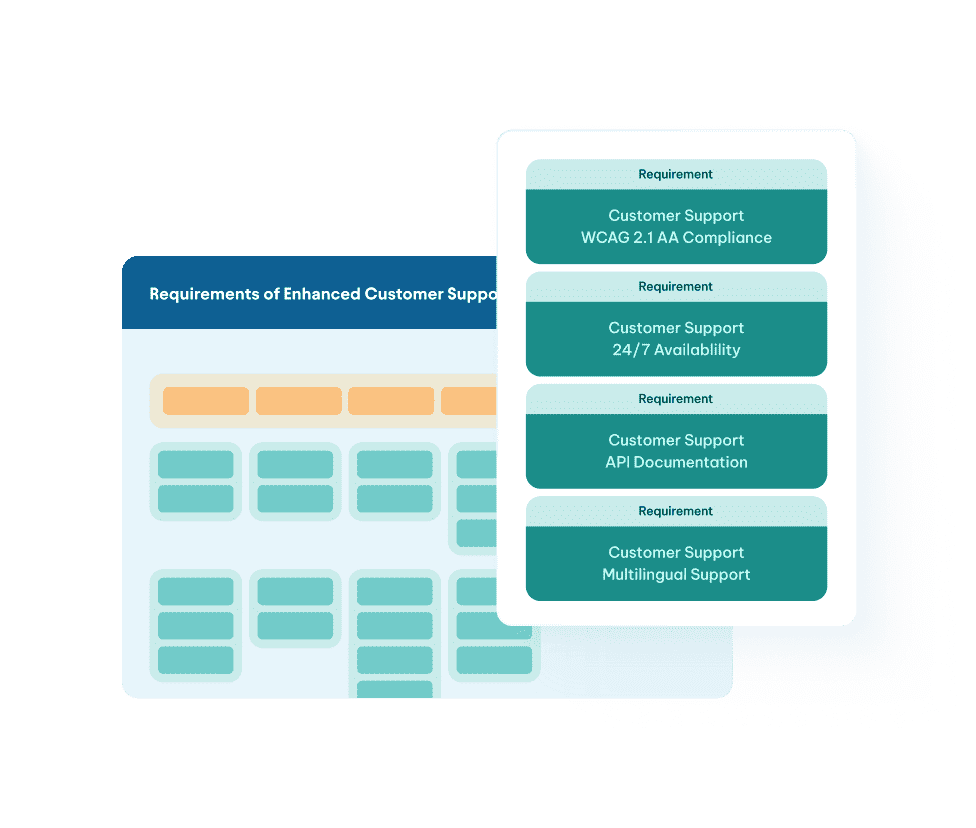

AI Agents &
Intelligence
BlueDolphin AI acts as the intelligence layer across Strategic Planning, Architecture Management, and Solution Design, accelerating how transformation is defined, designed, evaluated, and delivered.
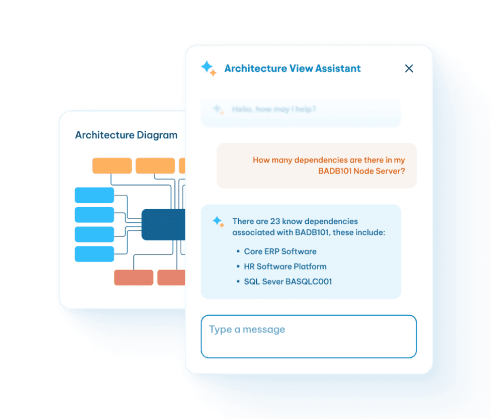
AI Navigator
Ask plain-language questions and instantly receive repository-
driven answers that surface risks, dependencies, cost distributions,
gaps, and strategic impact across your enterprise.
Platform-Wide
Decision Intelligence
Transform static architecture
documentation into a live intelligence
layer that connects strategy, planning,
and delivery in real time.
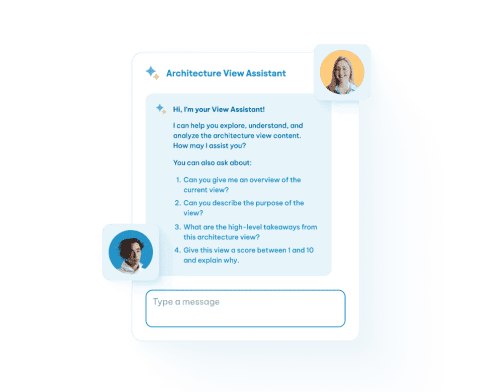
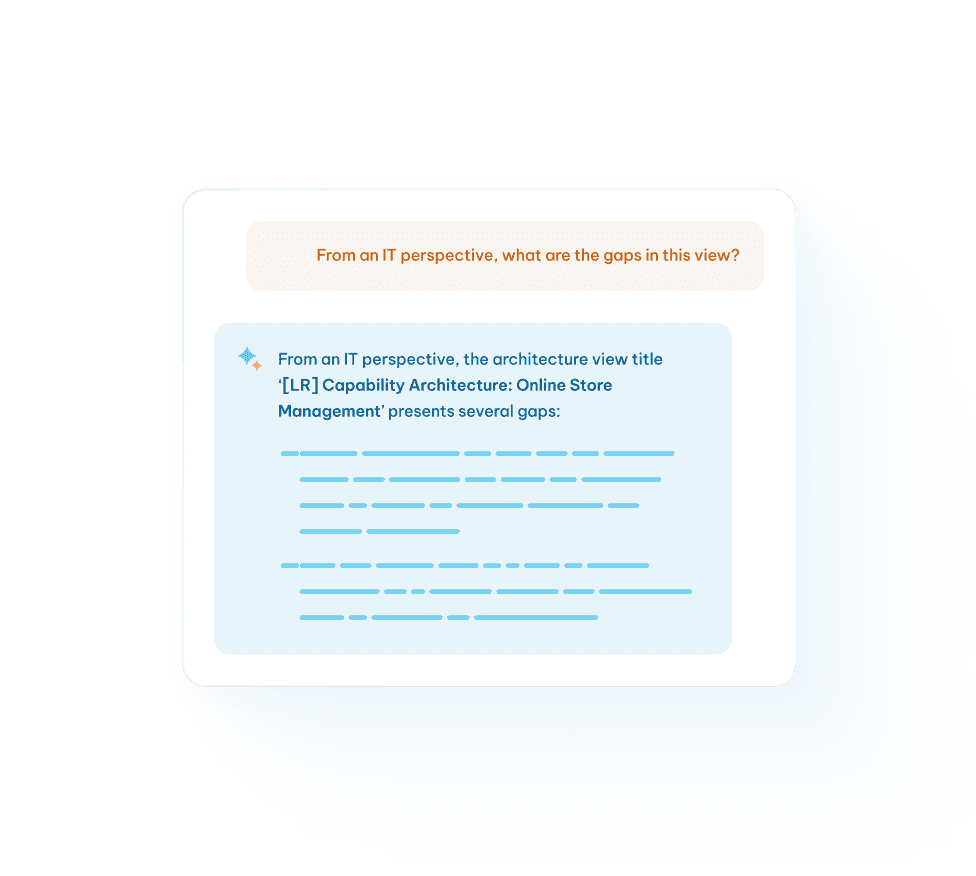
AI View Assistants
Multi-modal analysis of BPMN, ArchiMate, and free-form diagrams to surface gaps, weak dependencies, and inconsistencies while explaining models in plain language for cross-team clarity.
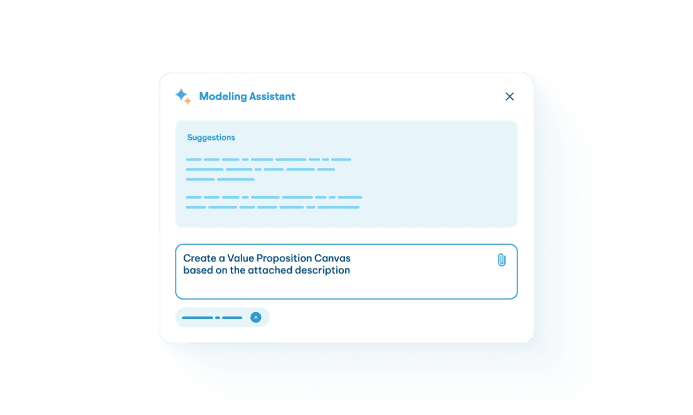
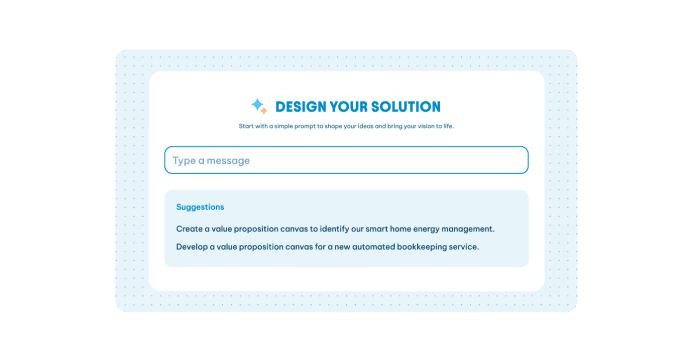
AI Value Proposition
Canvas Generator
Kick off every solution design by sharpening the
project’s value with AI-guided prompts that structure
outcomes, stakeholders, and impact.
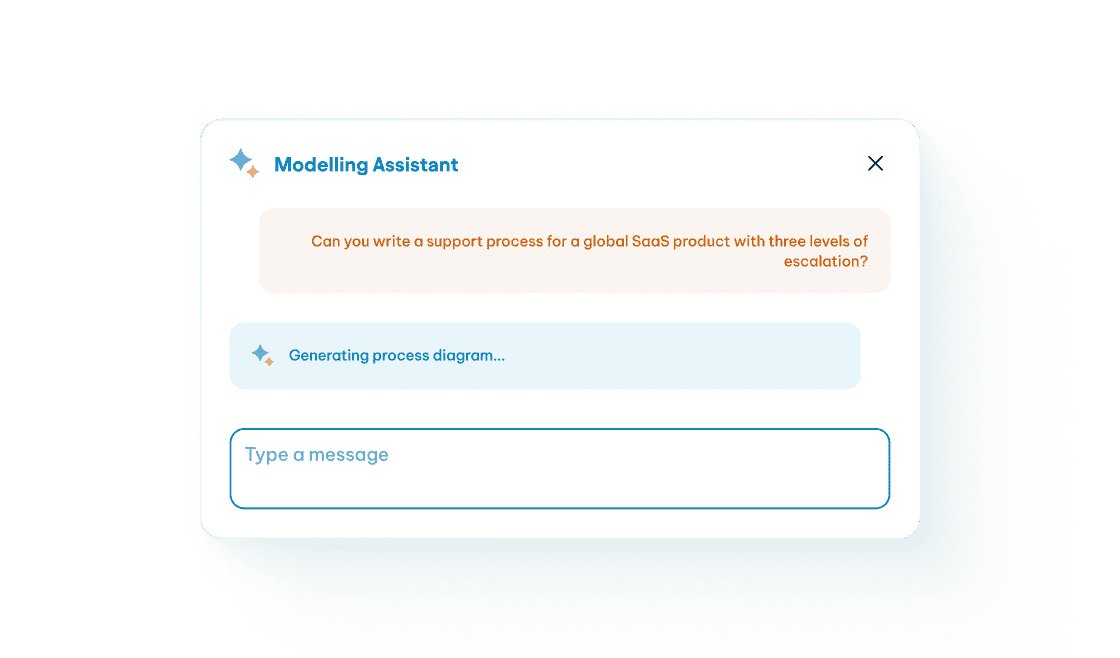
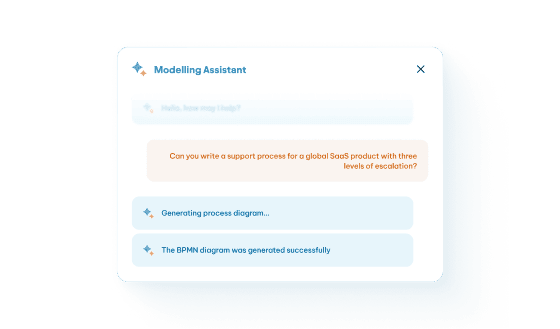
AI Modeling
Assistant
Generate structured BPMN diagrams from text prompts,
sketches, or photos, supercharged by repository context and
automatically linking them to repository objects to accelerate
execution-ready design.

Collaboration
Give architects, solution teams, and business leaders a shared
environment where everyone can see, understand, and contribute.
Role-based access
Empower the right people with the right
visibility , without sacrificing governance.
Real-time
Collaboration
Edit, comment, and refine together so alignment happens early,
not after escalation.
Visual
Navigation Pages
Guide stakeholders through architecture in a
way that feels intuitive and human.
Notifications &
Deadline Tracking
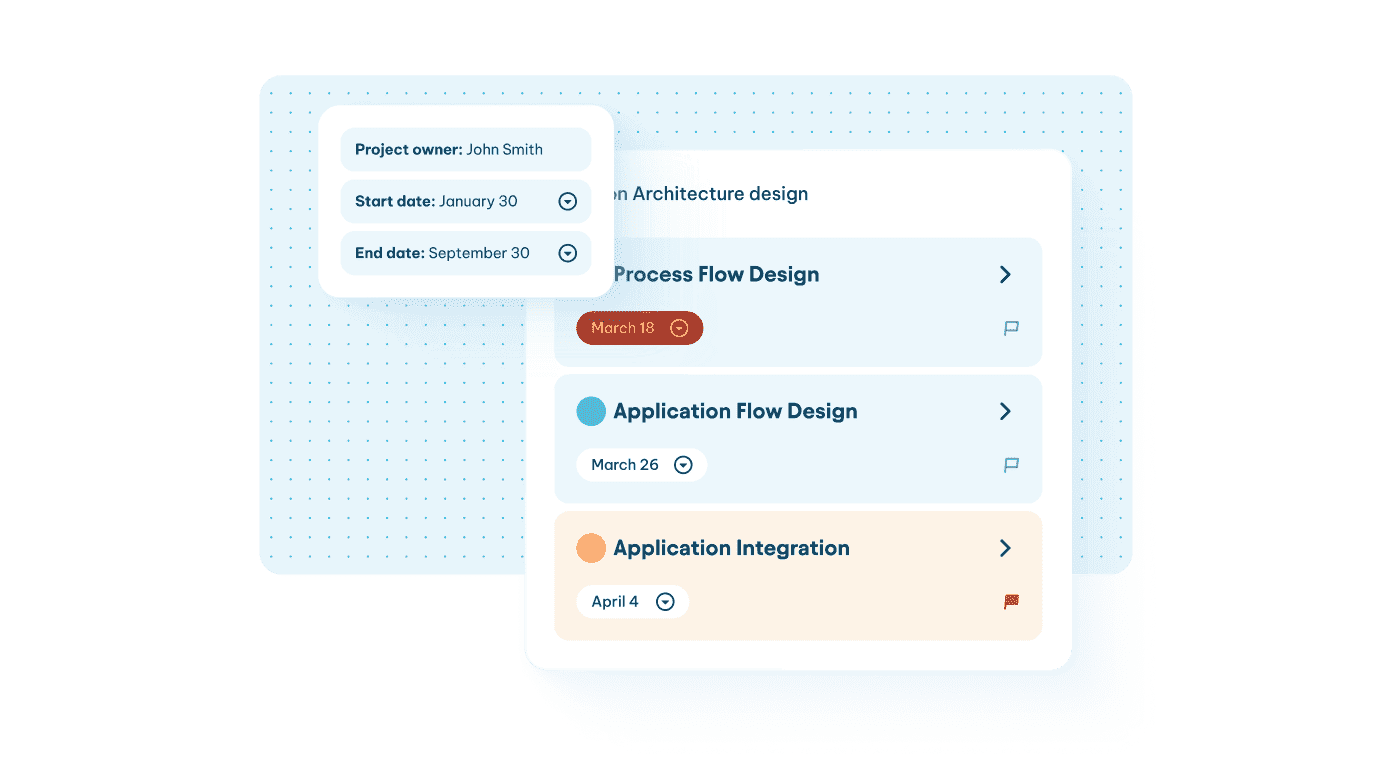
Keep initiatives moving with built-in alerts, task
tracking, comments, and review workflows that
ensure accountability and forward momentum.
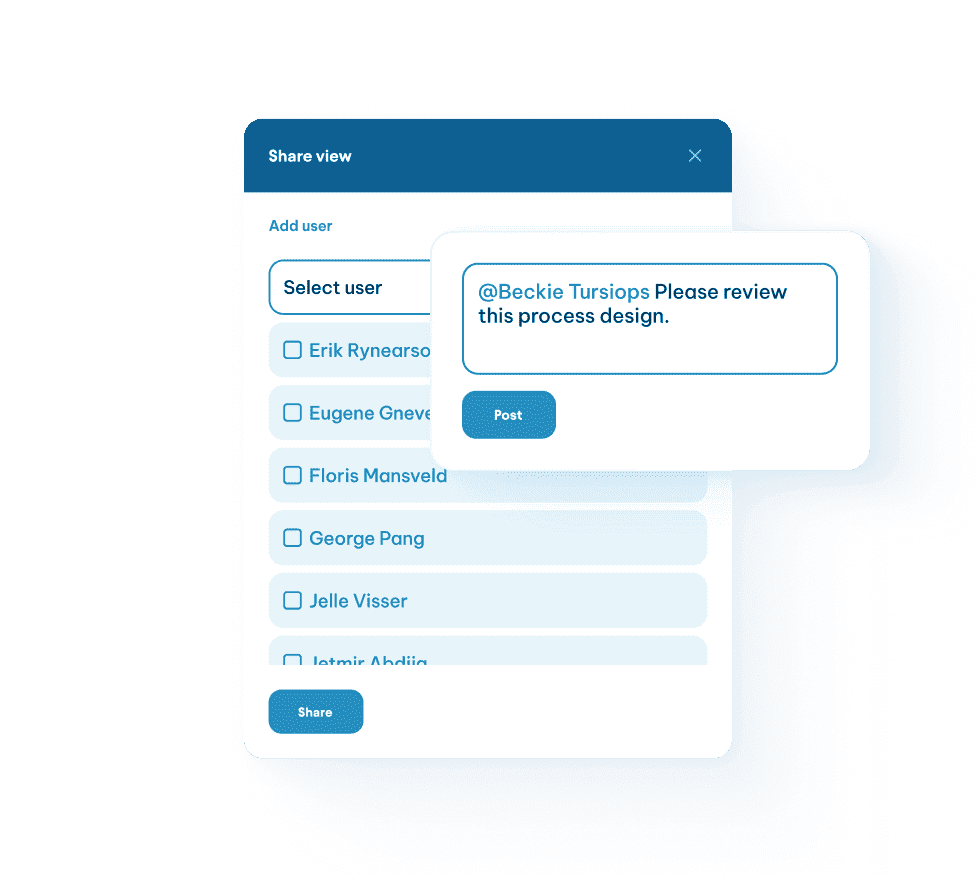
Deep Linking
& Sharing
Embed architecture directly into the tools
and workflows your teams already use.
AI Knowledge
assistant
Provide instant in-platform guidance so
users can move forward without friction.



THE RIGHT TRANSFORMATION SOLUTIONS
START HERE
Considering A switch from an Enterprise Architecture tool?
Get more than doodles. Design change with real context and real impact.