Get a clear view of how everything connects: EHR transformation, M&A, revenue cycle improvement, and PHI audits. BlueDolphin brings processes, applications, data, and capabilities together - helping healthcare teams understand impact, plan change, and prepare for audits.

Map the applications, processes, relationships, and dependencies behind the revenue cycle before and during transformation. Use that shared structure to connect portfolio planning with architecture and execution and give teams the context they need to move revenue cycle initiatives forward.
Build a connected view of how protected health information flows across your architecture. Link data to processes and applications so security and compliance can be assessed as part of EHR, revenue cycle, and other transformation initiatives - not in a separate silo.
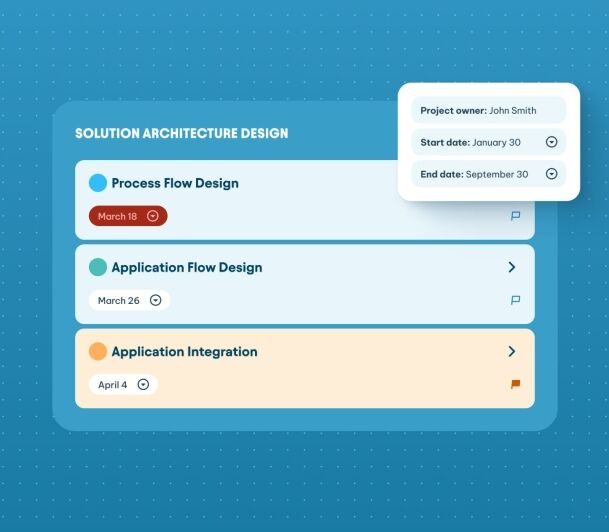
Connect strategy, business, architecture, and delivery teams through one shared approach to EHR transformation. Align on why change is needed, estimate costs, design the future state, and plan implementation against agreed timelines and budgets.
"Healthcare transformation is easier to guide when you can see what is connected, what is missing, and what needs attention first. This practical playbook includes a readiness assessment, healthcare-specific examples, step-by-step guides, workshop questions, and checklists to support revenue-cycle improvement, EHR transformation, M&A integration, and PHI visibility "
The BlueDolphin Way
With BlueDolphin, healthcare architecture teams connect the processes, applications, data, and capabilities involved in transformation. This provides the visibility needed to support revenue cycle transformation, EHR change, PHI data-flow mapping, and M&A integration.
executing, and staying continuously audit ready.
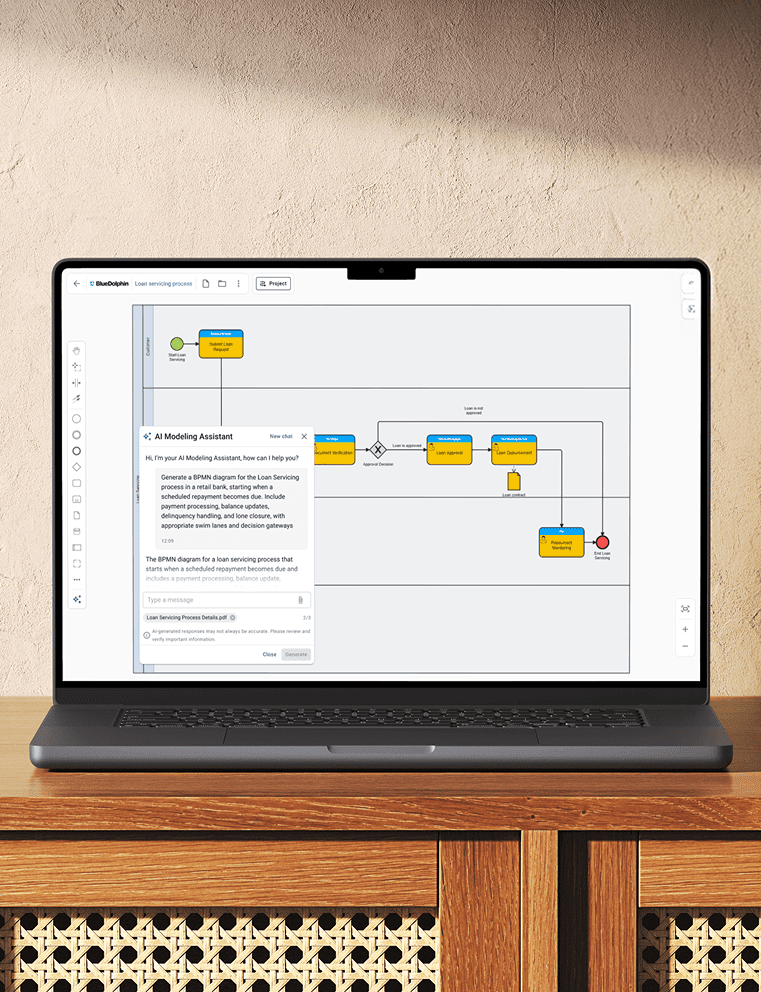
BLUEDOLPHIN AI
Use AI where it matters most to design compliant processes faster, surface smarter insights, and keep delivery moving without losing control.
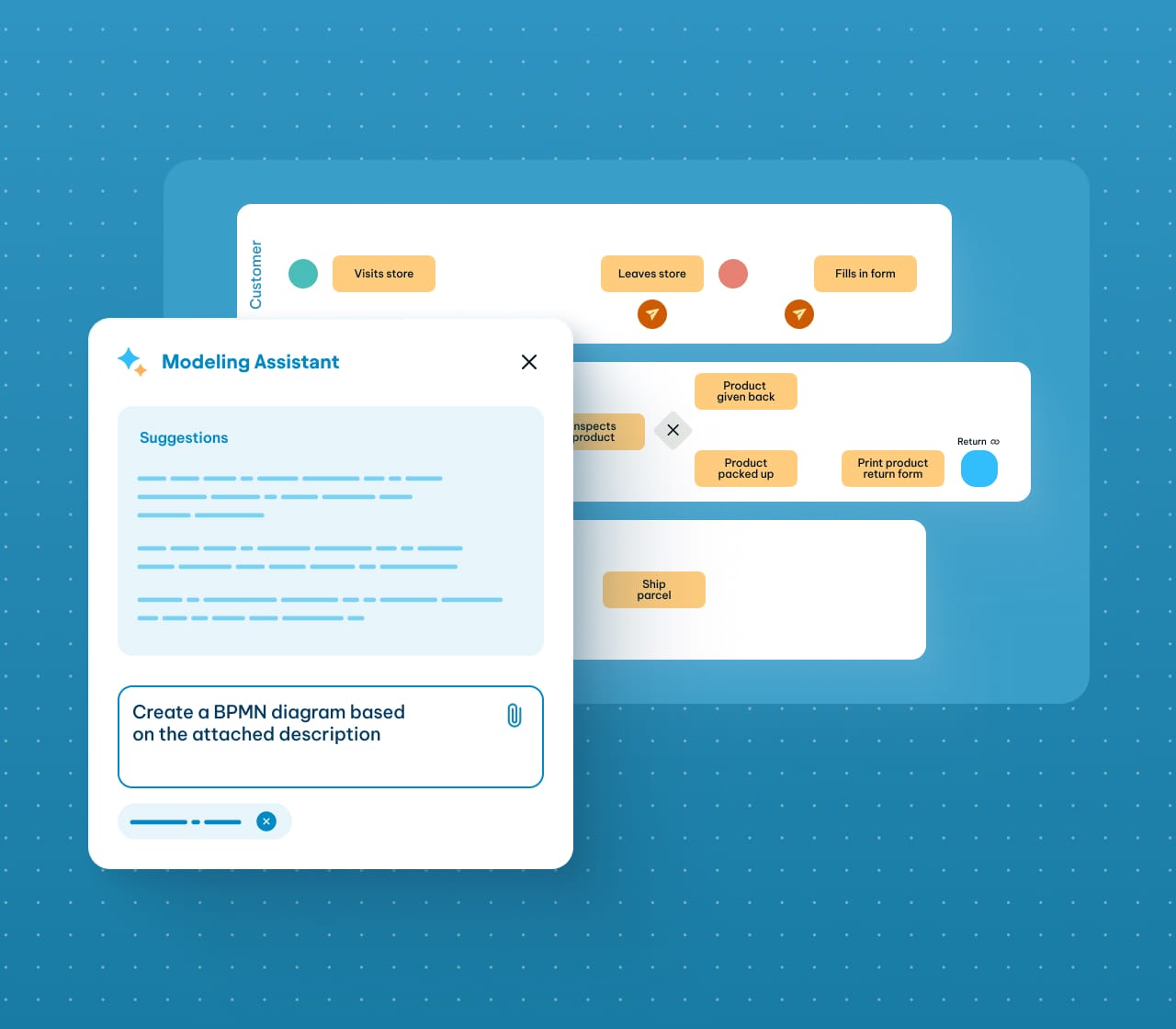
Generate draft processes in seconds, aligned with your organizational and technology landscape.

Bring Architecture Management, Solution Design, and Strategic Planning into one connected platform.
Give teams access to shared architecture information they can explore, discuss, and use in their work. Collaborate directly in BlueDolphin, publish views for wider audiences, and control access- all without limiting architecture to the EA team.
Give teams a common view of the architecture information relevant to their work.
Work together directly in architecture views using comments, mentions, and notifications.
Share architecture information with stakeholders without giving them editing access.
Control who can view or change architecture information based on their role.
Use the Architecture View AI Assistant and AI Navigator to help teams explore and understand architecture information.
Determine which systems handle sensitive data, who owns them, and how information moves across the organization. Use connected architecture data and configurable reporting to retrieve the evidence you need - no manual assembling necessary.
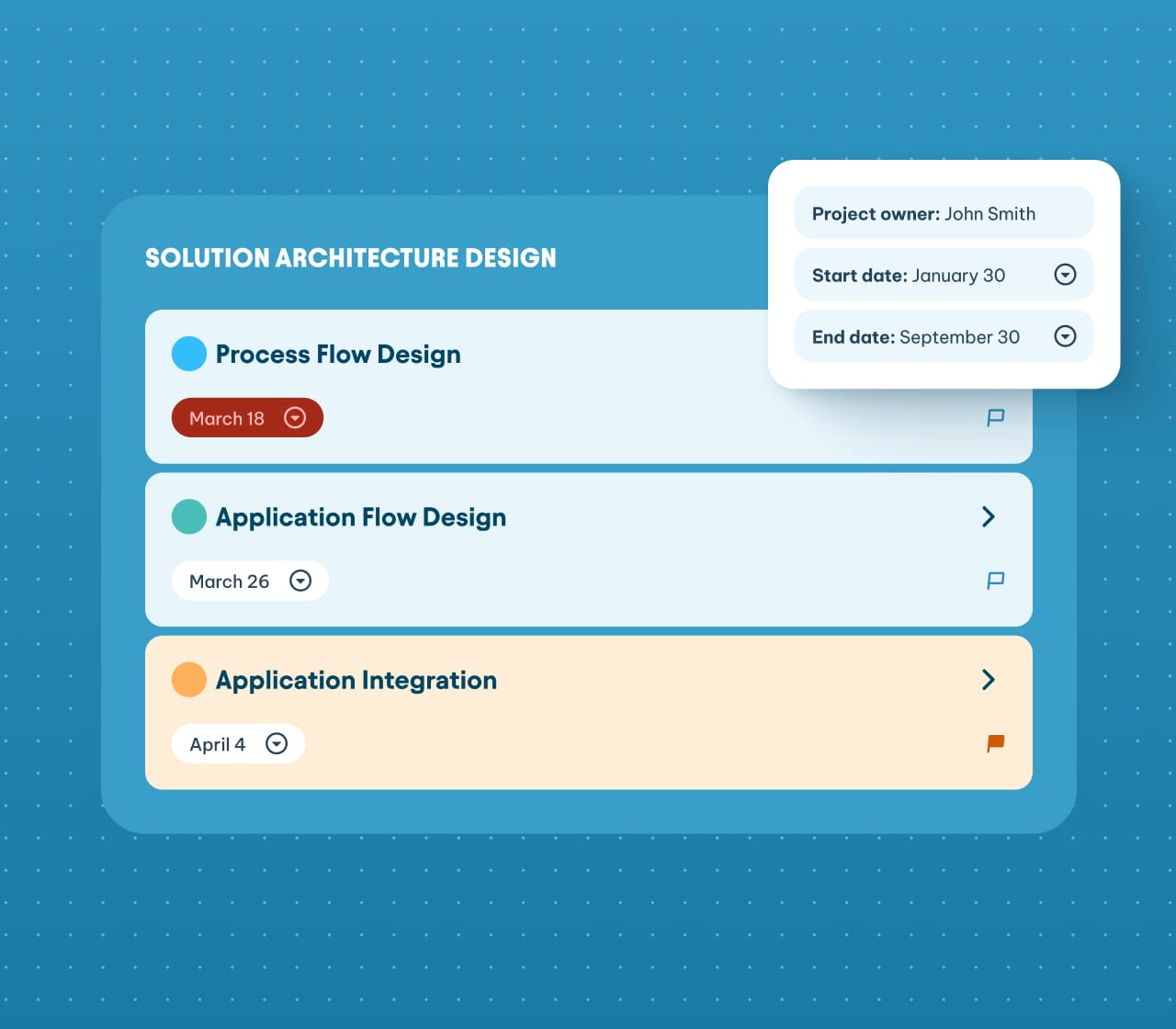
Capture the ownership, data, risk, and control information your organization’s reporting needs.
Restrict access to sensitive questionnaire fields based on user roles and permissions.
Show which systems, owners, data objects, and dependencies are connected across the architecture.
Identify missing information and review the completeness of objects and their relationships.
Filter and export architecture data, metadata, questionnaire answers, and relationships to Excel or CSV.
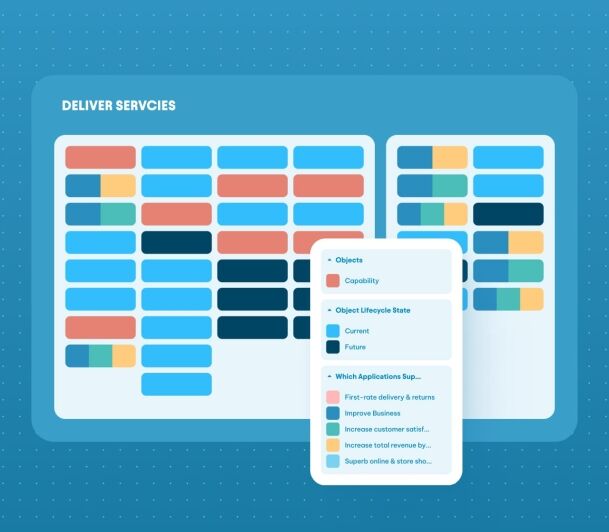
See how applications connect and how information moves between them. Trace dependencies and understand how changes will impact your systems before you apply them.
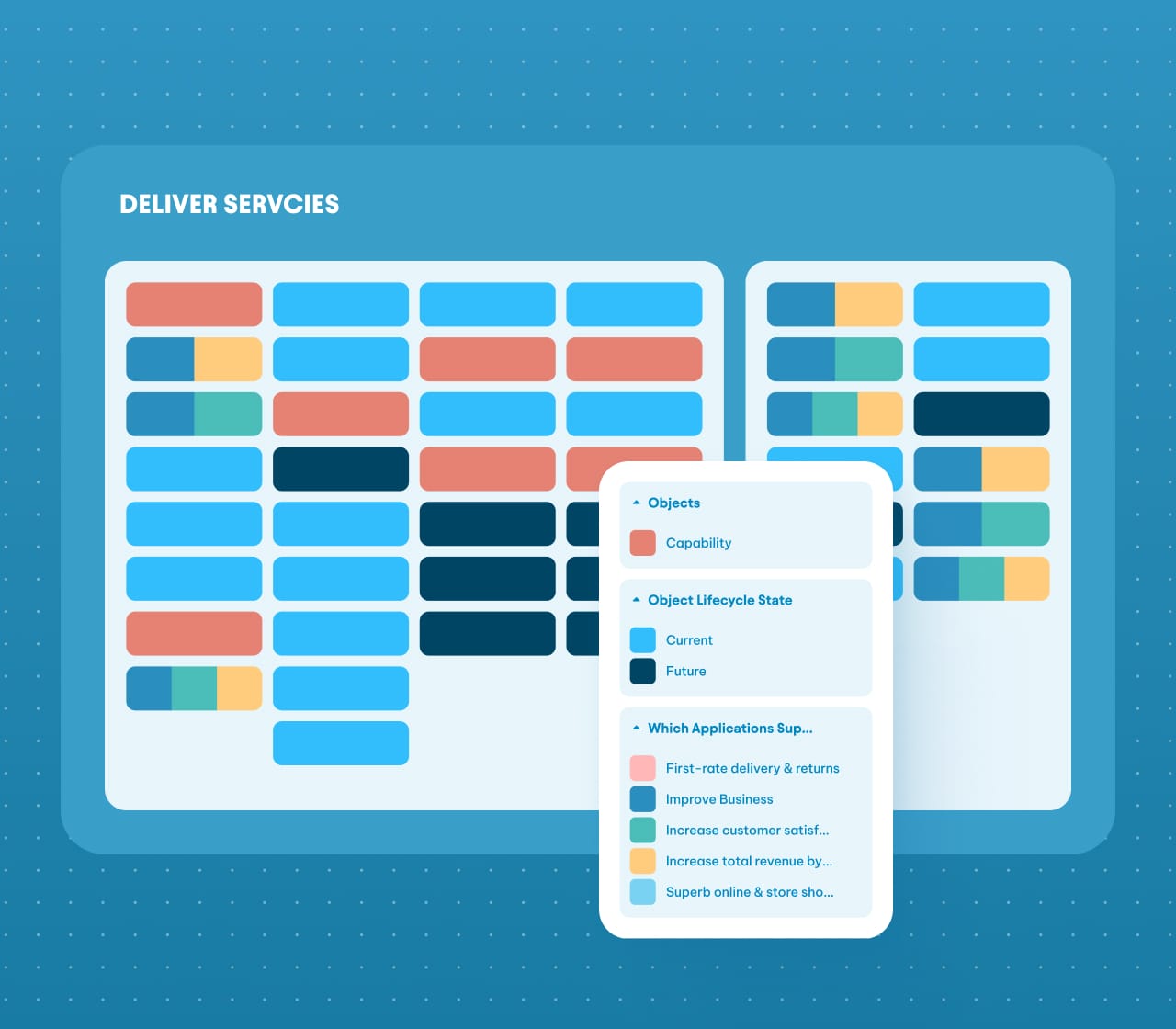
Visualize how applications connect and how information moves between them.
Compare how processes and applications work today with how they should work after the proposed change.
Follow connected relationships to understand what could be affected when you change, replace, or retire a system.
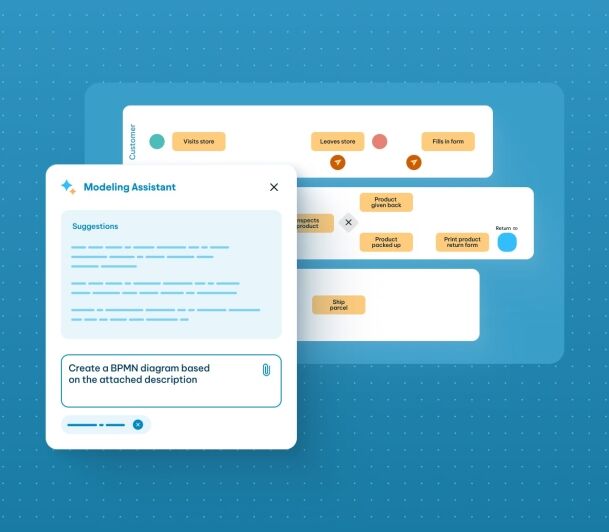
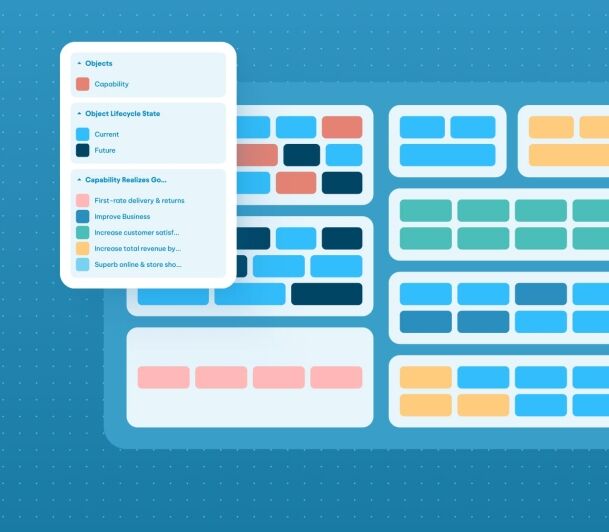
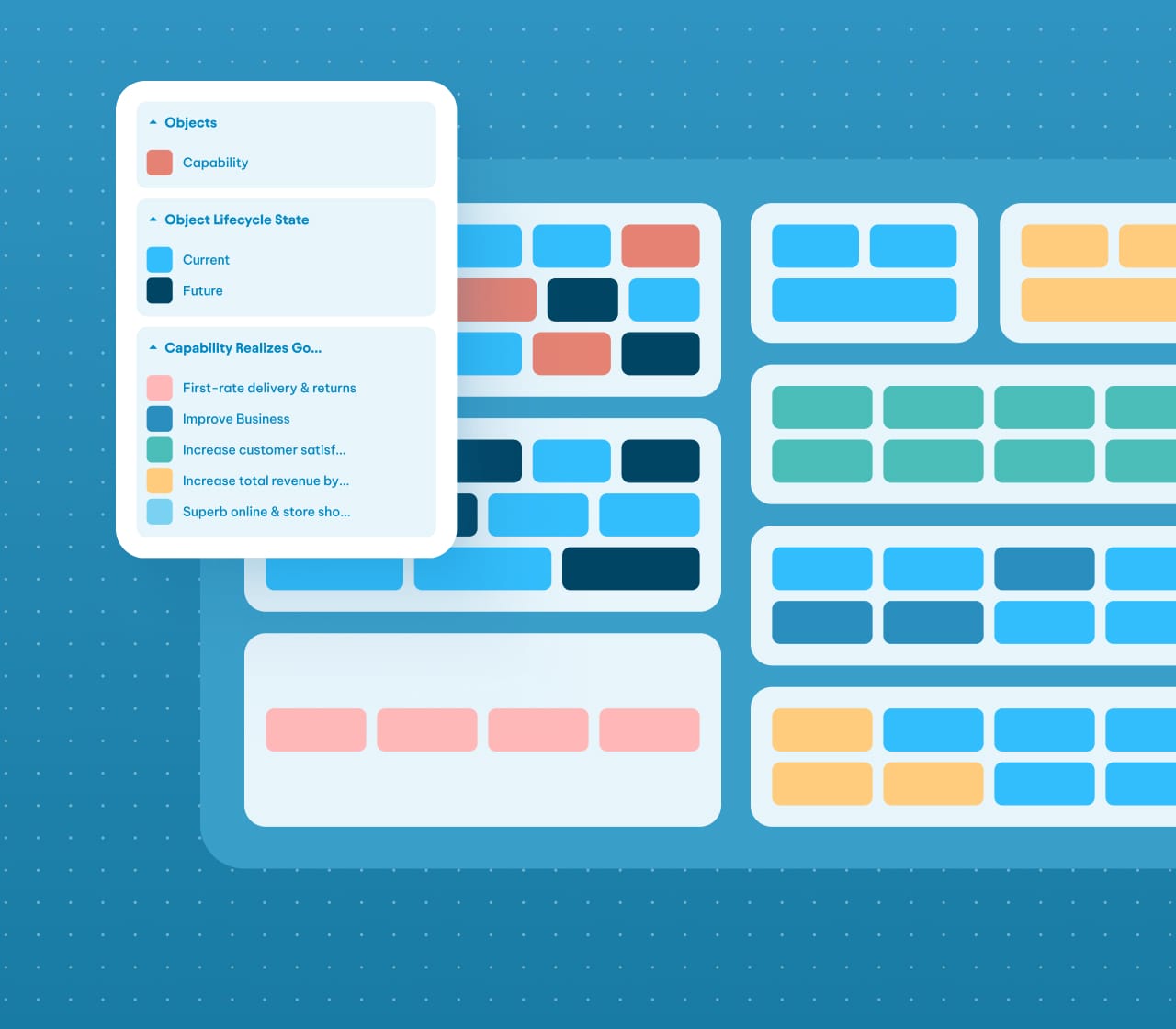
Healthcare landscapes are different. Manage applications and clinical technology as one connected portfolio, understand dependencies uncover overlaps and duplicated data, and clearly distinguish between the applications you use today and those planned for the future.
Manage application as a connected portfolio rather than isolated inventory.
Locate application overlaps and duplicate or unshared data across applications.
Separate clearly the applications you use today and the ones planned.
Map the direction of change over time, compare today’s landscape with the required target state, and bring business and technology into one connected transformation view.
Show the direction of change over time and connect high-level priorities to more detailed architecture views.
Compare today’s processes and applications with the architecture required after the transformation.
Bring capabilities, services, processes, applications, data, and infrastructure into the same solution design.