BLUEDOLPHIN AI
BlueDolphin AI supports every step of your project delivery flow so your team can explore, understand, and work with architecture faster.
Ask questions in plain language and get clear answers that help everyone make confident decisions, from specialists to everyday contributors.
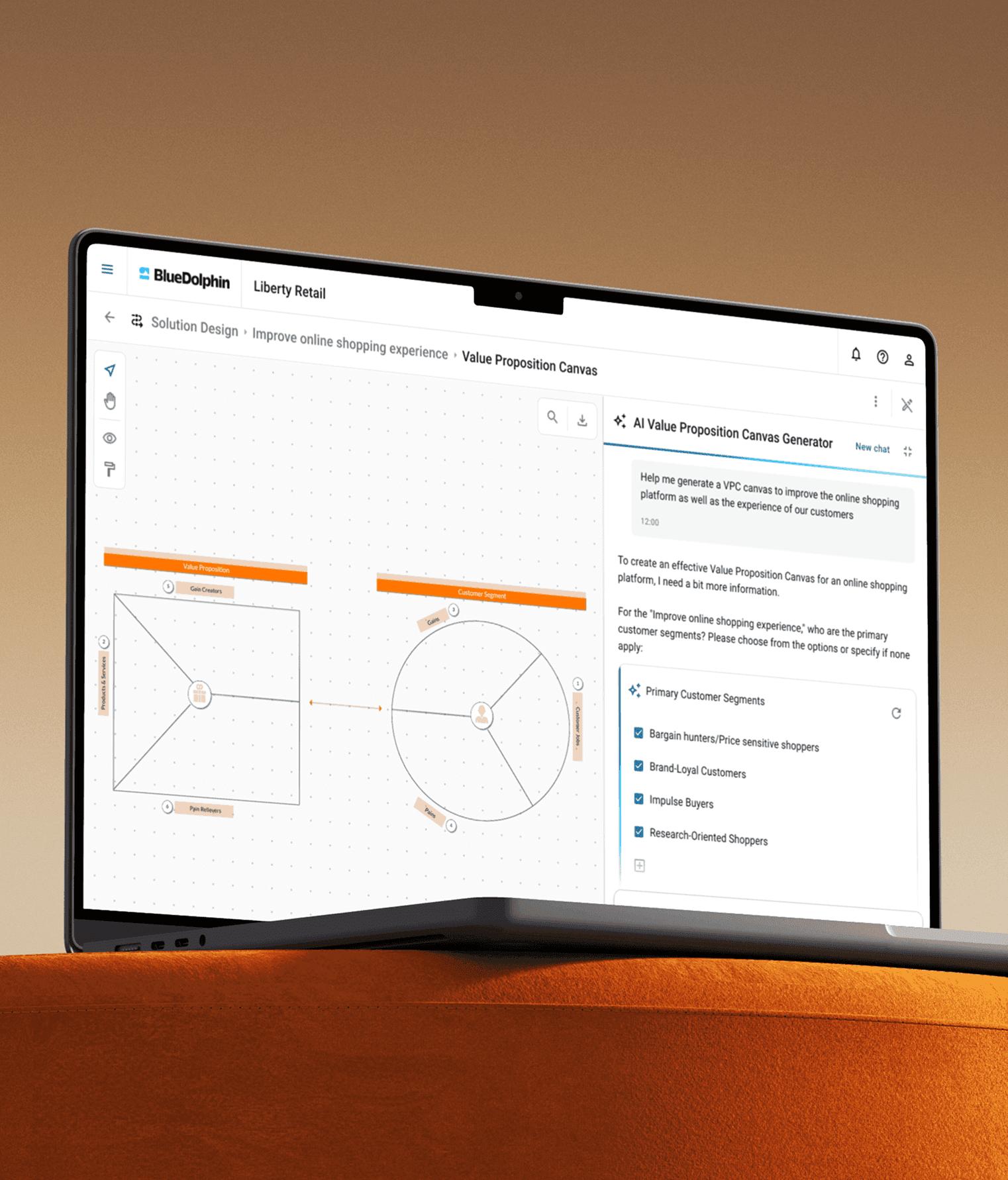
Meet the AI agents that make BlueDolphin easier to explore, understand, and use. From answering questions and uncovering architecture insights to creating processes and finding the right information, each agent helps you move from question to action faster.
Find your way through your architecture with a simple question. AI Navigator connects your query to relevant objects, views, processes, and relationships so you can quickly find what matters and take the next step.
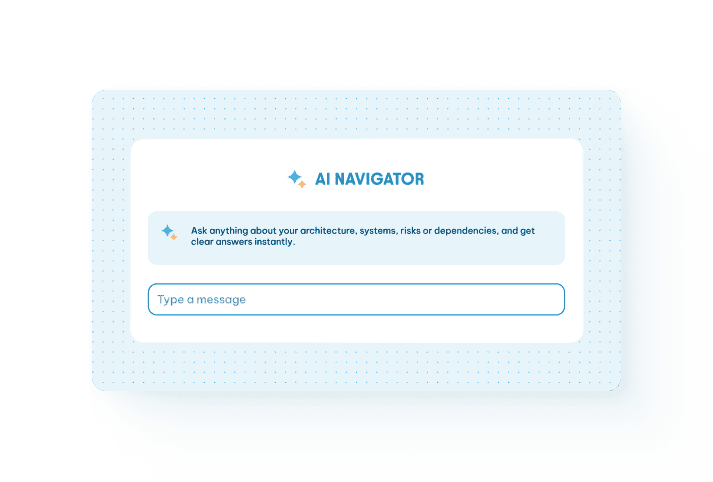
Ask questions in plain language and instantly discover relevant objects, views, processes, and relationships across your BlueDolphin repository. Get contextual answers and direct links that guide you from question to action.
Explore your architecture through conversation. Get context-aware answers grounded in your BlueDolphin repository and jump directly to the objects, views, and processes that matter.
Ask questions in natural language and receive clear, step-by-step answers based on the BlueDolphin knowledge base - all without leaving your workspace.
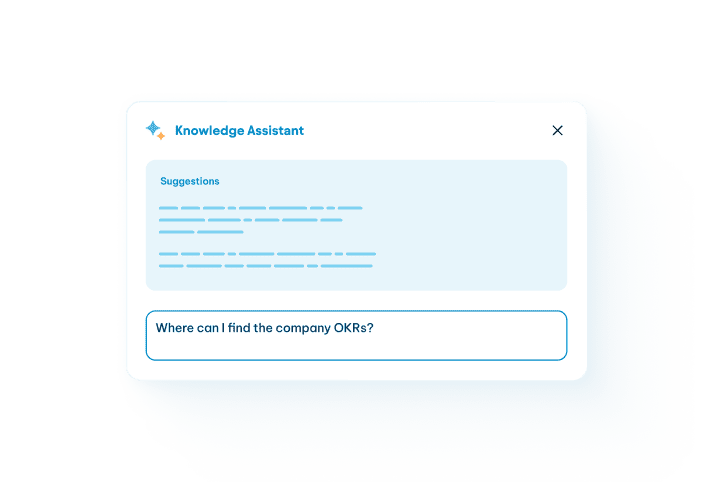
Ask questions in plain language and receive clear guidance on BlueDolphin’s features, architecture, and best practices. Find the information you need without leaving your workspace.
The knowledge assistant guides you with step-by-step explanations and direct links to relevant documentation. Get up to speed faster and use the platform with confidence.
Turn complex BlueDolphin architecture and BPMN views into clear, understandable insights. Ask questions in natural language, explore different perspectives, and create content that is ready to share.
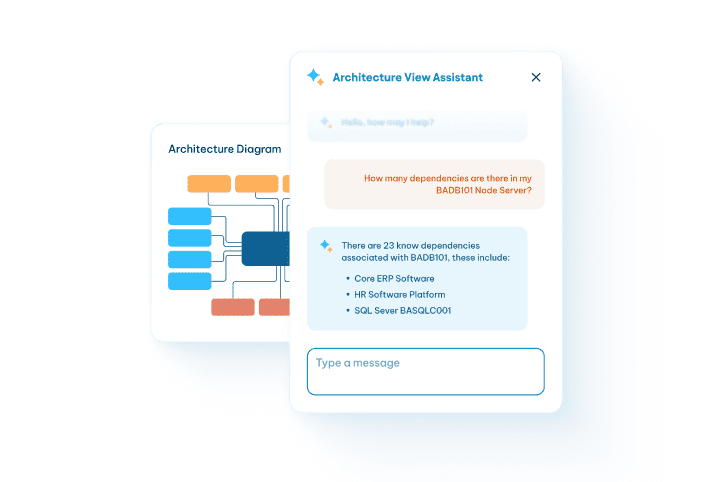
Ask questions in plain language and uncover clear insights from architecture models and BPMN diagrams. Understand relationships, processes, and designs without needing deep technical expertise.
Help teams and stakeholders align faster around applications, processes, and solution designs.
Create structured BPMN 2.0 diagrams faster and make process modeling more accessible across your organization. Start with an idea or build on your existing documentation.
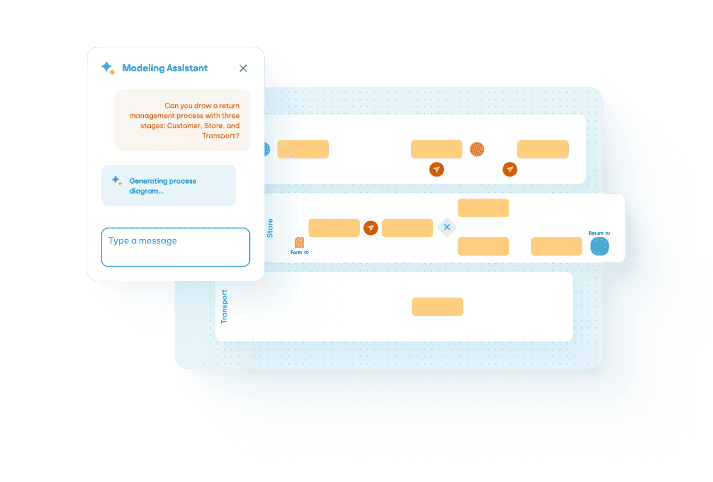
Describe a process in plain language and generate a ready-to-edit BPMN diagram in minutes, reducing the time spent drawing workflows manually.
Upload your existing process materials and turn them into structured BPMN models. Use AI-driven suggestions to connect tasks to repository objects and improve consistency.
Connect BlueDolphin to your organization’s AI assistant and explore your architecture through natural conversation. Ask context-aware questions, uncover dependencies and risks, and turn complex models into insights that support faster decisions.
Use familiar AI tools to ask questions about your BlueDolphin models and data in plain language. Get clear, contextual answers without waiting for technical translations or reports.
Reveal dependencies, risks, and business impacts across applications, processes, and capabilities. Give every stakeholder relevant insights that connect strategic goals to action.
Let the Value Proposition Canvas Agent guide you through what your customers need and how your offer responds. Organize your input in a canvas you can review.
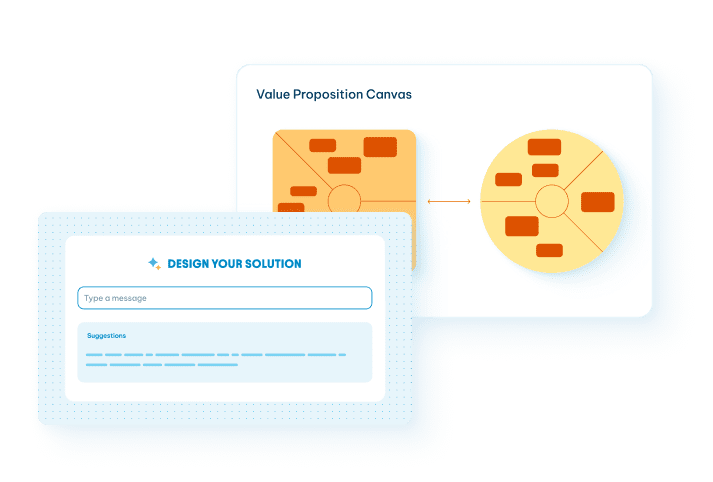
Explore customer jobs, pains, and gains to clarify who you’re designing for and what they need.
Connect your products and services to the pains they address and the gains they create.
BlueDolphin AI helps you find information in your repository, understand architecture and BPMN diagrams, get guidance on using BlueDolphin, and create editable BPMN 2.0 diagrams from prompts and/or existing documents.
BlueDolphin offers the Knowledge AI Assistant, AI View Assistants, AI Modeling Assistant, and AI Navigator. You can also connect BlueDolphin to an external AI assistant through BlueDolphin MCP.
It depends on the assistant. The Knowledge AI Assistant searches BlueDolphin’s knowledge base and does not access your organization’s data. AI View Assistants, AI Modeling Assistant, and AI Navigator process relevant tenant data to answer questions or generate content.
Yes. AI Modeling Assistant can create an editable BPMN 2.0 diagram from a plain-language prompt and/or an uploaded file. Supported formats include PNG, JPG/JPEG, PDF, TXT, and DOCX, up to 10 MB.
BlueDolphin processes AI data in the same region as your tenant. EU tenant data stays in the EU, and US tenant data stays in the US.
BlueDolphin does not use customer prompts, data, outputs, or other materials to train or fine-tune its AI by default. That would require your prior written consent. The page also states that customer data is not used to train the third-party providers’ general-purpose models.
Yes. BlueDolphin logs relevant AI interactions, which may include prompts, answers, and technical details used for monitoring and troubleshooting. The page states that this data is retained for 12 months, then deleted under its retention policy.
You cannot connect your own model to BlueDolphin’s native AI features. You can connect BlueDolphin to an approved external AI assistant through MCP. In that setup, your organization chooses and controls the assistant, and its agreement and settings govern how it handles prompts and responses.
AI can sometimes produce incorrect or misleading answers. Review and validate AI-generated information before relying on it. If you spot an issue, report it through the in-app Chat with support system.
Contact your BlueDolphin Account Manager to discuss enabling BlueDolphin AI for your organization.
Contact us!

